Payroll migration: definition, reasons, steps, and best practices

Robbin Schuchmann
Co-founder, Employ Borderless
Payroll migration is the structured process of transferring payroll operations, data, and processes from one system or provider to another. Employee records, payroll history, tax details, and compliance information move accurately, and payroll processing continues without interruption or gaps in regulatory compliance.
What is payroll migration?
Payroll migration is the transfer of payroll operations, data, and employee records from one system or provider to another. It covers moving from in-house payroll to an outsourced service, upgrading to a more capable software platform, or connecting payroll with a broader HR or finance system. Organizations start payroll migration to gain automation, improve compliance, support expansion into new regions, and lower costs.
What information is required during a payroll migration?
A migration needs core business details, banking data, past filings, and employee records. Most providers supply standardized templates, but employers still extract, review, and validate data before and after the move.
- Business details: legal business name, federal and state TINs (Tax Identification Numbers), registered address, and business structure.
- Banking information: account details used for payroll payments, whether by check or direct deposit.
- Filing history: previously filed payroll tax returns and related forms.
- Employee data: personal details, W-4 data, and direct deposit instructions.
- Vendor support: implementation guidance from the new payroll provider, plus data templates for extraction and validation.
Reasons for a payroll migration
Companies migrate payroll for multi-state compliance, dissatisfaction with the current provider, outdated technology, changes in business size or structure, budget pressures, and repeated payroll errors.
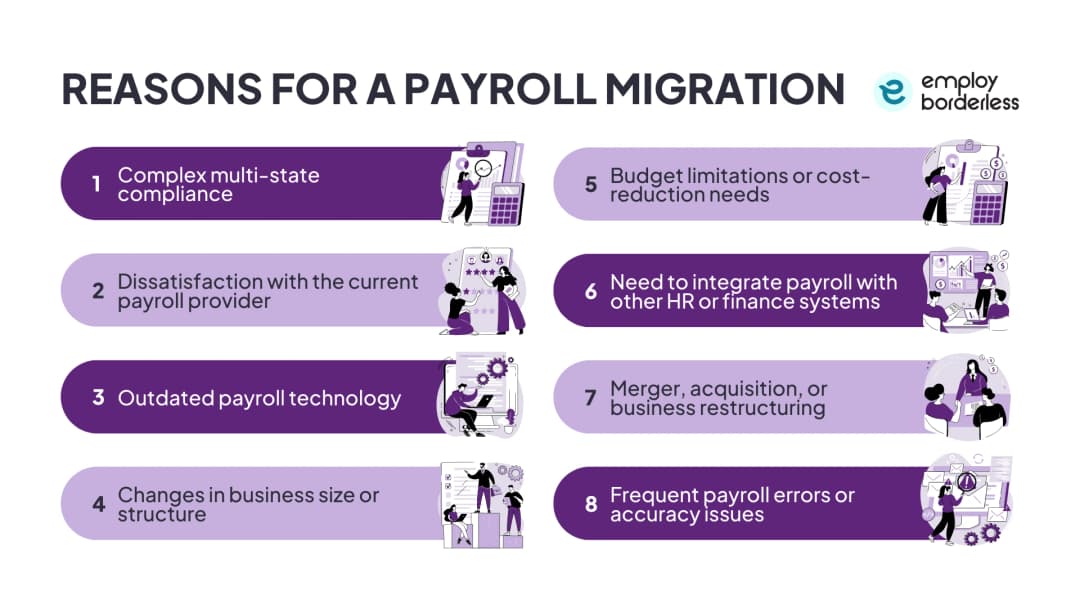
| Reason | What drives it |
|---|---|
| Complex multi-state compliance | Different labor laws, minimum wage rules, statutory benefits like PF (Provident Fund) and ESIC (Employees' State Insurance Corporation), and TDS (Tax Deducted at Source) rules per state raise the risk of calculation errors, late filings, and penalties. Employer social security contributions carry a median of 12.6% per our Global Employer Burden Index dataset (196 countries), and reach as high as 36.49% in New Caledonia, per our Global Employer Burden Index dataset. |
| Dissatisfaction with current provider | Inaccurate calculations, poor customer service, hidden costs, weak data visibility, and inconsistent tax or labor compliance push businesses to switch. |
| Outdated payroll technology | Systems lacking automation and integration lead to manual workarounds, tax errors, longer processing times, and weaker data security controls. |
| Changes in business size or structure | Growth, new regions, or new pay structures overwhelm small-scale systems, adding administrative work and error risk. |
| Budget limitations or cost-reduction needs | Modern platforms convert payroll into a fixed, transparent cost and remove expenses tied to dedicated staff and legacy system maintenance. |
| Need to integrate with HR or finance systems | Disconnected payroll causes duplicate data entry; integration lets salary, benefits, attendance, and tax data flow automatically. |
| Merger, acquisition, or restructuring | Combining separate payroll platforms, policies, and data sets after a merger or restructure requires consolidation to avoid inconsistencies. |
| Frequent payroll errors | Repeated wage miscalculations, wrong deductions, or pay inaccuracies signal a system that can no longer support accurate processing. |
Steps for a smooth payroll migration
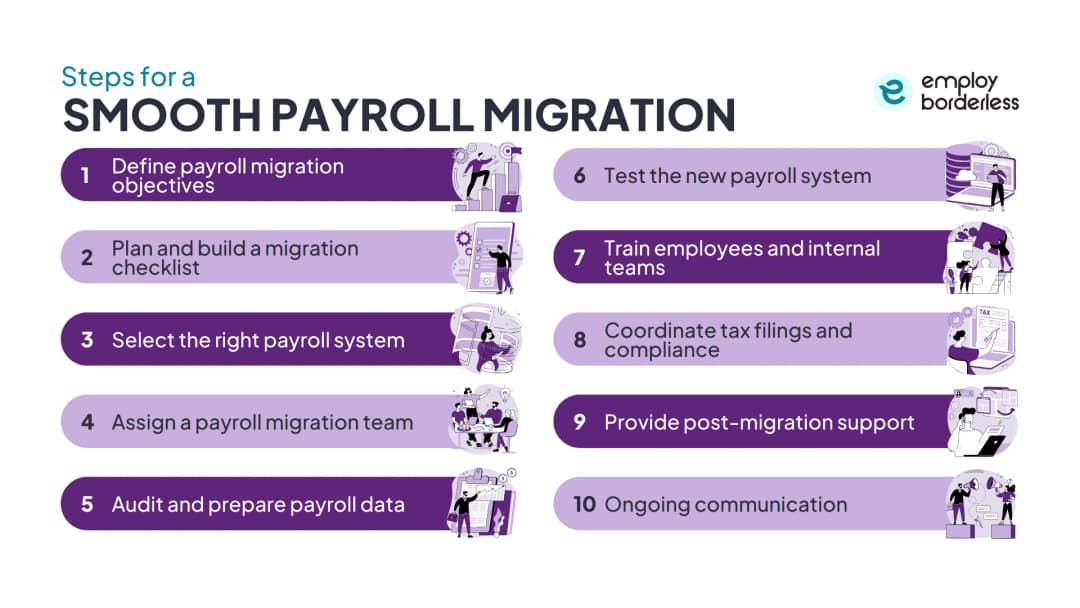
The steps are defining objectives, building a migration checklist, selecting the right system, assigning a migration team, auditing data, testing the new system, training teams, coordinating tax filings, providing post-migration support, and maintaining ongoing communication.
Define payroll migration objectives
Identify why the migration is happening (better automation, international coverage, or compliance support), which employee groups are affected by location or department, and whether the approach is phased or full-scale. Set a go-live date to guide the timeline.
Plan and build a migration checklist
Audit current processes to find errors automation can fix, review integration needs with HR, accounting, and time-tracking systems, and clean employee records, historical payroll, tax filings, and benefits data. Set measurable KPIs (Key Performance Indicators) such as on-time processing and reduced errors.
Select the right payroll system
Compare cloud-based versus on-site options; cloud systems typically offer more flexibility, accessibility, and automatic updates. Check that the system automates payroll calculations, tax compliance, and reporting, and that it supports growth as headcount rises. Look for strong self-service features so employees can access payslips, tax documents, and leave balances directly, and confirm integration with time tracking, benefits administration, and HR systems. Assess the vendor's track record with managed services, issue resolution, and support response times.
Assign a payroll migration team
Pair HR, finance, and IT staff with project managers and payroll consultants who know both the old and new systems. Involve the payroll vendor and employees in testing and validation. Define roles, responsibilities, and timelines clearly so accountability stays in place and delays are avoided.
Audit and prepare payroll data
Review compensation details (salaries, bonuses, benefits), time-off balances, and tax and compliance records for accuracy. Standardize formats, fix inconsistencies, and document payroll policies and processes as a reference for the migration.
Test the new payroll system
Run a parallel payroll cycle: process one full pay cycle in the new system while the old system still runs, then compare gross pay, deductions, and net pay. Confirm integrations, self-service, reporting dashboards, and automated tax filings function as expected, and retest until results match.
Train employees and internal teams
Prepare HR and finance teams to manage exceptions, handle audit requests, and generate MIS (Management Information System) reports without outside help. Show employees how to access payslips and tax documents, and provide refresher sessions to build confidence and reduce reliance on the vendor.
Coordinate tax filings and compliance
Confirm all tax returns and statutory contributions are current before the switch, and build local labor laws, withholding rules, and social contributions into the new system. Track submission deadlines and regulatory changes with HR, legal, and finance involved to keep filings accurate and avoid penalties.
Provide post-migration support
After the first few live cycles, gather feedback, check accuracy, timeliness, and compliance, and flag areas for further automation. Feed these findings back into the process to improve reliability over time.
Maintain ongoing communication
Send regular updates on progress and process changes so employees understand what is different and why. Consistent messaging builds trust, invites questions, and gets issues resolved quickly.
Challenges in payroll migration
The main challenges are data inconsistencies, compliance and statutory risks, employee experience disruptions, integration with existing systems, and limited change management and training.
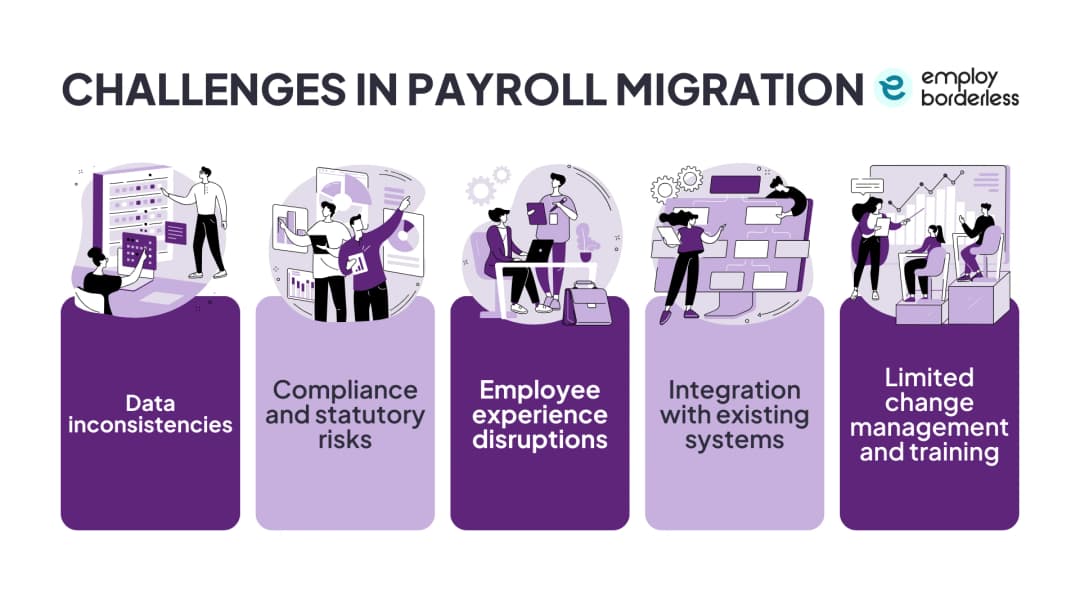
- Data inconsistencies: Incomplete, outdated, or mismatched employee data causes errors in salary structures, tax information, and compliance details, delaying a clean transition.
- Compliance and statutory risks: Failing to properly map PF, ESIC, TDS, and state-specific rules raises the risk of penalties, audits, or legal issues after go-live. Employee social security contributions have a median of 7% per our Global Employer Burden Index dataset (191 countries), and climb to 35% in Romania, per our Global Employer Burden Index dataset. Statutory notice periods vary just as much, with a median of 4.3 weeks per our Global Employer Burden Index dataset (198 countries), and a high of 26 weeks in Gambia, per our Global Employer Burden Index dataset.
- Employee experience disruptions: Salary errors, payment delays, or wrong deductions during migration reduce trust and affect morale and retention.
- Integration with existing systems: Poor connections with HR, ERP (Enterprise Resource Planning), and attendance platforms create duplicate entries and reporting errors.
- Limited change management and training: Teams without training on the new system resist adoption, make operational mistakes, and lean on external vendors for routine tasks.
Best practices for a smooth payroll migration
Follow these practices to reduce risk: thorough data cleansing, staying compliant, running parallel payroll testing, engaging HR and finance early, and choosing the right timeline.
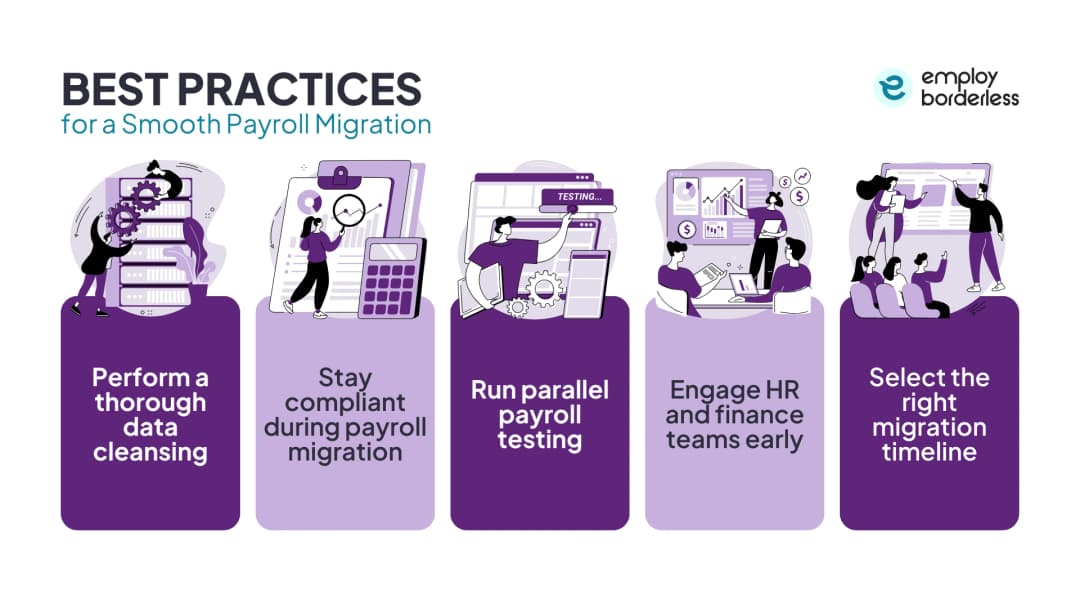
- Perform thorough data cleansing: Verify employee records are accurate, complete, and standardized before the move to prevent errors and support integration.
- Stay compliant during migration: Build PF, ESIC, TDS, and state-specific rules into the new system, with automated updates to reduce penalties and simplify audits.
- Run parallel payroll testing: Process multiple runs on both old and new systems and compare results to catch differences before going live.
- Engage HR and finance early: Involve them from planning through testing and training so adoption improves and dependence on outside support drops.
- Select the right migration timeline: Schedule the switch during a low-activity period to reduce disruption to employees and operations.
How to choose a payroll provider for migration
Weigh technology and integration, data security, cost transparency, contract terms, and support quality before signing with a new provider.
| Criteria | What to check |
|---|---|
| Technology and integration | Modern, automated payroll features that connect with existing HR, attendance, and accounting tools, cutting manual work and errors. |
| Data security | SSL encryption, access controls, and regular backups to protect financial and personal data stored in the system. |
| Cost and pricing transparency | Clear fee structures with no hidden charges as the business grows. |
| Contract terms | Termination clauses and service guarantees that fit the business plan rather than lock it into long-term obligations. |
| Support quality | Responsiveness, availability, and issue resolution speed for day-to-day payroll operations. |
When is the ideal time for a payroll data migration?
The start of the year is ideal for payroll data migration, since natural reporting boundaries simplify reconciliation, cut the need to transfer year-to-date data, and keep tax filings accurate.
How long does it take to transition payroll data?
Payroll data transitions typically take 1 to 3 months, depending on company size, complexity, employee count, and whether operations span multiple states or countries.
How do you confirm data integrity and compliance during a payroll data migration?
Audit, cleanse, and validate records before transfer, use automated validation tools to catch errors early, and protect data with SSL encryption, access controls, and audit trails. Reconcile old and new data sets to confirm accuracy and maintain payroll regulations and compliance.
Is it hard to switch payroll providers?
No. Modern payroll providers offer guided migrations and tools that simplify data transfer and testing. Complex setups with large data volumes, mid-year switches, or legacy systems carry more risk of compliance or historical data errors.
What information should you ask for when switching payroll providers?
Ask about the features offered, setup support, data privacy and security, fee structure, and technical support availability. Also check software integration with existing systems, multi-state or special pay handling, employee self-service options, and vendor reliability.

Co-founder, Employ Borderless
Robbin Schuchmann is the co-founder of Employ Borderless, an independent advisory platform for global employment. With years of experience analyzing EOR, PEO, and global payroll providers, he helps companies make informed decisions about international hiring.
Learning path · 10 articles
Payroll fundamentals
Master the fundamentals with our step-by-step guide.
Start the pathReady to hire globally?
Get a free, personalized recommendation for the best EOR provider based on your needs.
Get free recommendations