Payroll cost reduction: 12 tips for businesses and benefits

Robbin Schuchmann
Co-founder, Employ Borderless
Payroll cost reduction means lowering the total cost of compensating employees, including gross wages, employer payroll taxes such as FICA, FUTA, and SUTA, benefits, workers' compensation, and payroll administration fees, without cutting headcount. Businesses cut these costs through payroll software, better scheduling, overtime control, benefit negotiation, correct worker classification, and tax credits such as the WOTC (Work Opportunity Tax Credit).
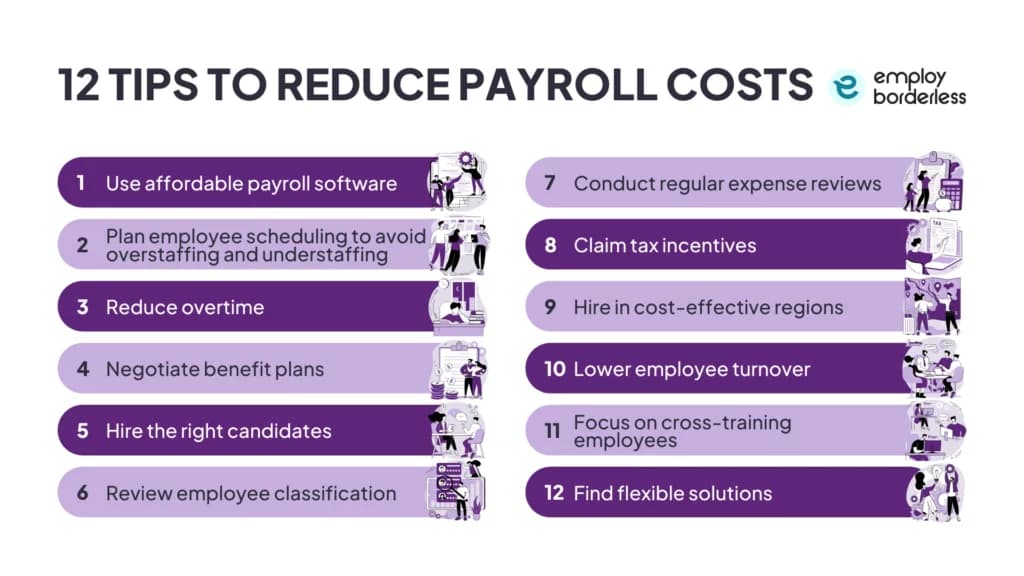
12 tips to reduce payroll costs
Businesses reduce payroll costs by automating payroll tasks, planning schedules and overtime carefully, negotiating benefits, hiring and classifying workers correctly, reviewing expenses regularly, claiming tax incentives, hiring in lower-cost regions, and improving retention, cross-training, and schedule flexibility.
| Tip | How it reduces costs |
|---|---|
| Use affordable payroll software | Automates tax calculations, direct deposit, and recordkeeping, cutting the printing and handling costs of paper checks and reducing administrative time. |
| Plan employee scheduling | Matches staffing to demand and uses part-time or temporary workers for peaks, avoiding both overstaffing and understaffing. |
| Reduce overtime | Tracks hours with time-tracking or scheduling tools so nonexempt staff stay within regular hours and overtime pay is used only when necessary. |
| Negotiate benefit plans | Compares providers and gathers employee feedback so coverage matches the budget instead of paying for underused benefits. |
| Hire the right candidates | Uses accurate headcount plans and an ATS (Applicant Tracking System) to raise retention and productivity, cutting recruiting, training, and replacement costs. |
| Review employee classification | Confirms employee vs. contractor status and salaried vs. hourly status to avoid back taxes, penalties, and lost government contracts. |
| Conduct regular expense reviews | Compares payroll data against budget, overtime, tax compliance, and benefit-cost goals to catch errors and unnecessary spending. |
| Claim tax incentives | Uses federal programs like the WOTC and state-specific credits to lower payroll tax liability. |
| Hire in cost-effective regions | Builds remote teams where living costs are lower and skills are strong, paying competitive local rates instead of headquarters-city rates. |
| Lower employee turnover | Uses PTO, flexible schedules, and incentives to keep experienced staff, cutting the recruiting and training costs of replacing them. |
| Cross-train employees | Prepares staff to cover multiple roles, reducing the need for extra hires or overtime when someone leaves. |
| Find flexible arrangements | Adjusts voluntary benefits, work schedules such as a four-day week or remote work, or performance-based pay to lower costs without disrupting operations. |
How the top cost-cutting levers work in practice
Payroll software replaces paper-check costs
Issuing paper checks is costly and slow because of printing, handling, and distribution, while ACH (Automated Clearing House) processing is inexpensive and fast for both employer and employee. Payroll software adds direct deposit and downloadable pay stubs on top of automated tax calculations and recordkeeping, removing manual work that would otherwise require extra staff time.
Scheduling and overtime rules control labor spend
Matching staffing levels to actual demand, and covering peaks with part-time or temporary workers, keeps labor costs aligned with real workload instead of fixed headcount. Overtime is required at time and a half for nonexempt employees who work over 40 hours a week, so clear policies and time-tracking tools that flag employees approaching that threshold prevent unplanned overtime pay before it happens.
Tax incentives and location strategy lower the payroll base
Programs such as the WOTC reward employers for hiring workers from eligible groups, and many states run additional payroll tax credits, exemptions, or reductions worth checking each year to lower payroll taxes. Separately, building remote teams in regions with lower living costs and strong local talent allows competitive local pay without headquarters-level wage costs.
Retention, cross-training, and flexibility reduce replacement costs
Replacing an employee involves recruiting, hiring, and training expenses, so offering PTO, flexible schedules, and incentives that reduce workplace stress keeps experienced staff in place. Cross-training staff in multiple roles closes knowledge gaps and cuts reliance on new hires or overtime when someone leaves. Regular expense reviews, benefit-provider comparisons, and an ATS for hiring round out the same goal: matching pay, benefits, and staffing to what the business actually needs.
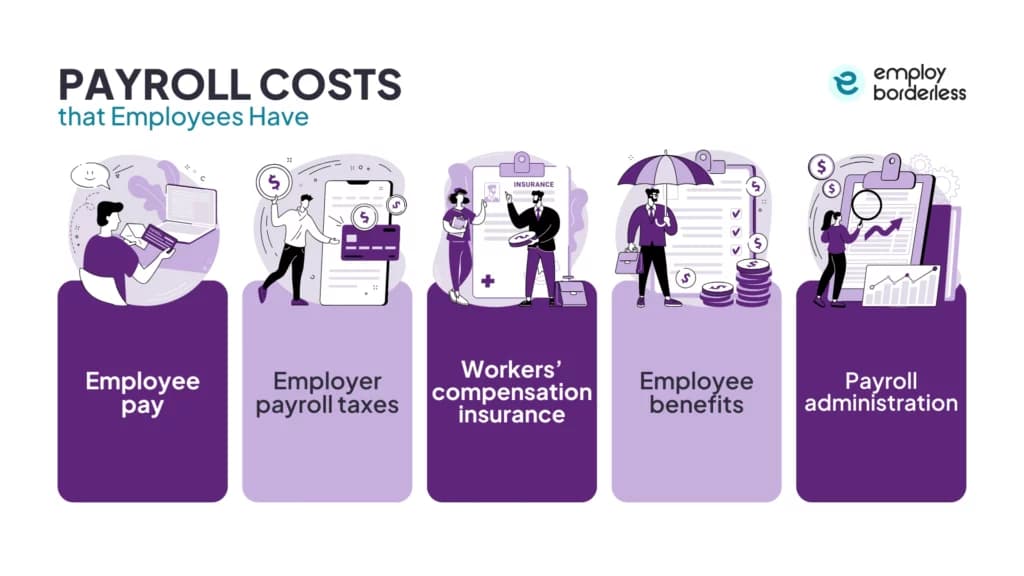
What payroll costs do employers have?
Employers carry five main payroll cost categories: employee pay, employer payroll taxes such as FICA, FUTA, and SUTA, workers' compensation insurance, employee benefits like health insurance and retirement plans, and payroll administration costs for software or outsourcing.
| Cost category | What it includes | Example figures |
|---|---|---|
| Employee pay | Salaries or hourly wages, bonuses, commissions, and overtime pay | Overtime is calculated at time and a half for nonexempt employees over 40 hours per week |
| Employer payroll taxes | Employer share of FICA (Social Security and Medicare), FUTA, SUTA, and state-specific taxes such as paid family and medical leave premiums | On a $50,000 salary: about $3,825 in FICA, $450 in FUTA, and $250 in SUTA per year |
| Workers' compensation insurance | Coverage for job-related sickness or injury, through a private provider or a state fund; North Dakota, Ohio, Washington, and Wyoming require the state fund | Average cost is about $1.05 per $100 of employee wages |
| Employee benefits | Health insurance, retirement plans, EAPs (Employee Assistance Programs), life insurance, PTO, and educational assistance | Small businesses pay about $6,500 a year per employee for single health coverage and about $14,200 for family coverage |
| Payroll administration | In-house software subscriptions or outsourcing to a PEO (Professional Employer Organization) or payroll provider, plus staff time managing payroll tasks | Varies by provider and business size |
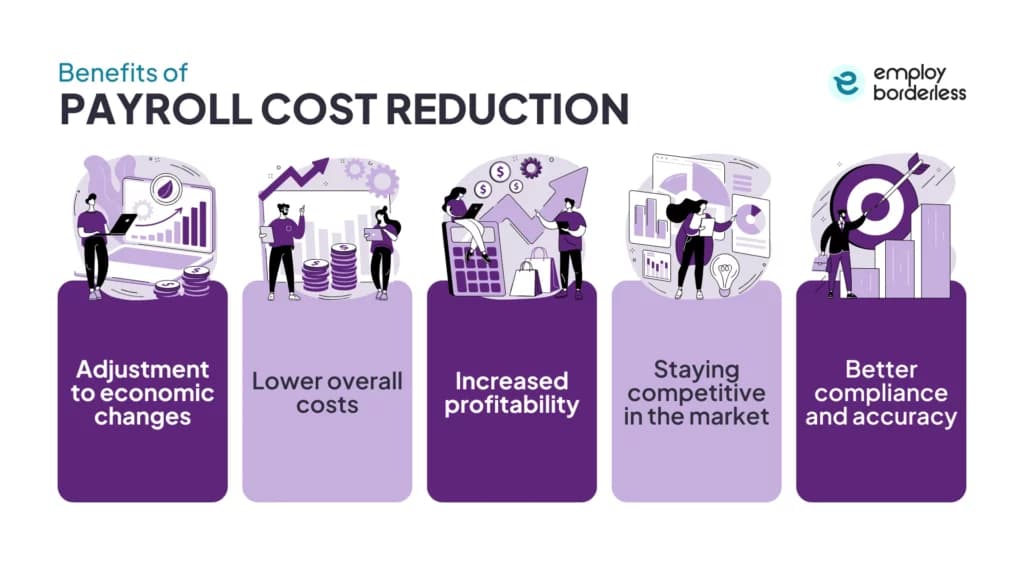
What are the benefits of payroll cost reduction?
Reducing payroll costs helps a business adjust to economic changes without layoffs, lowers overall operating costs, increases profitability, keeps pricing competitive in the market, and improves payroll compliance and accuracy, cutting the risk of fines and audits.
| Benefit | What it delivers |
|---|---|
| Adjustment to economic changes | Lower payroll costs help a business stay financially stable during revenue drops, managing labor expenses without resorting to layoffs and keeping workforce stability and morale intact. |
| Lower overall costs | Cutting labor and administrative overhead, for example through outsourcing or payroll technology, reduces overall operating expenses and frees budget for strategic initiatives. |
| Increased profitability | Spending less on salaries, benefits, taxes, and overtime while revenue stays flat means more of each sale is kept as profit rather than cost. |
| Staying competitive in the market | Lower payroll costs let a company price products or services competitively without cutting quality, helping it win and keep customers in price-sensitive markets. |
| Better compliance and accuracy | Careful payroll management keeps pay, withholding, and legal requirements accurate, reducing the risk of fines and audits. |
How to choose the right software for payroll cost reduction
Choosing payroll software for cost reduction depends on business size and setup, budget for fees and subscriptions, internal payroll expertise, whether to keep payroll in-house or outsource it, and the total cost of ownership including training, updates, and support.
- Business size and setup: small businesses generally need simple systems, while large organizations need advanced features for multiple locations and complex payroll.
- Budget: compare upfront fees, subscription costs, and hidden charges against the features you actually need to manage payroll cost-effectively.
- Internal payroll expertise: a system with strong support and automated compliance updates suits teams without dedicated payroll staff or knowledge.
- Control vs. outsourcing: keeping payroll in-house with software gives direct control, while outsourcing to a provider reduces administrative burden and adds expert compliance handling.
- Total cost of ownership: factor in training, updates, maintenance, and support beyond the sticker price to judge whether a tool stays cost-effective over time.
Payroll cost FAQs
How much does payroll cost?
Payroll cost for small businesses with hourly employees usually runs 1.25 to 1.4 times wages paid, so every $100 in wages costs $125 to $140 once taxes, benefits, and fees are added. Most small businesses spend 15% to 30% of revenue on payroll, ranging from about 8% in retail to closer to 20% in construction.
How much does it cost to outsource payroll?
Outsourcing payroll usually costs about $200 to $250 per employee per year, made up of base fees plus per-employee charges tied to pay frequency. Some providers instead charge $1.50 to $5 per employee per payroll run, or a monthly per-employee fee plus a base charge. See outsourced payroll services for options.
How to calculate total payroll costs?
Add gross wages (base pay, overtime, and bonuses), employer payroll taxes (FICA, FUTA, and SUTA), benefits (health insurance, 401(k) matches), workers' compensation, and PTO for every employee. The formula is gross pay plus employer taxes, benefits, insurance, retirement, and other related expenses; payroll software helps keep the total accurate.
What are payroll costs for employees?
Payroll costs for employees cover more than wages, salaries, overtime, and bonuses. They also include employer payroll taxes at 7.65% for FICA and about 6% for unemployment, benefits such as health insurance running near 30% of total compensation, retirement matches, workers' compensation, and paid leave.
When should I use an EOR for global payroll?

Co-founder, Employ Borderless
Robbin Schuchmann is the co-founder of Employ Borderless, an independent advisory platform for global employment. With years of experience analyzing EOR, PEO, and global payroll providers, he helps companies make informed decisions about international hiring.
Learning path · 10 articles
Payroll fundamentals
Master the fundamentals with our step-by-step guide.
Start the pathReady to hire globally?
Get a free, personalized recommendation for the best EOR provider based on your needs.
Get free recommendations