PEO vs HRIS: definitions, differences, similarities, benefits, and drawbacks

Robbin Schuchmann
Co-founder, Employ Borderless
A PEO (Professional Employer Organization) is an HR outsourcing company that becomes a co-employer of a business's staff and takes over payroll, benefits administration, and compliance. An HRIS (Human Resources Information System) is software a company owns and runs itself to store employee data and automate HR processes. The PEO takes on shared employer status; the HRIS stays fully under company control.
PEO vs HRIS: quick comparison
A PEO is a full-service HR outsourcing provider that co-employs your staff and handles payroll, benefits, and compliance, while an HRIS is a software platform your company owns and controls to automate HR tasks like payroll and recruitment. The two differ mainly in ownership, customization, and control.
| Feature | PEO | HRIS |
| Service offering | Full-service HR outsourcing (payroll, benefits, compliance) | Software platform automating HR tasks (payroll, recruitment) |
| Ownership | Co-employer; PEO shares employer responsibilities | Company owns and controls HR processes fully |
| Customization | Limited flexibility, standardized processes | Highly configurable to business needs |
| Workforce analytics | Basic reporting, limited strategic analytics | Advanced analytics and workforce planning tools |
| Internal resource requirements | Less internal HR needed; PEO handles functions | Requires internal HR staff to run the system |
| Growth capacity | Grows quickly with the business | Grows by adding upgrades and new modules |
| Cost model | Percentage of payroll or flat fee per employee | Subscription-based with licensing, setup, and maintenance fees |
| Exit complexity | Hard to leave due to bundled services and co-employment | Easier to exit; company already owns and runs the software |
| Control level | Less control; dependent on third-party processes and carriers | Company keeps full control |
| Setup and onboarding | Fast onboarding, managed by the PEO | Requires software setup, staff training, and configuration |
What is a PEO?
A PEO is a third-party organization that takes on a share of employer responsibility through a co-employment agreement. It manages payroll, benefits, and compliance while the client company keeps control of day-to-day operations and employee management. The PEO becomes the employer of record for tax and benefit purposes and withholds taxes using its own EIN (Employer Identification Number) on the client's behalf.
What is HRIS?
An HRIS is software that HR departments use to collect, store, and manage employee data. It centralizes personal, demographic, and compensation information and automates payroll processing, benefits administration, recruitment and onboarding, time and attendance tracking, and compliance reporting, cutting the time HR spends on manual administrative work.
PEO features
PEO features cover payroll processing, benefits administration, compliance management, and risk mitigation. These services handle wages and tax deductions, negotiate group benefit rates, track federal and state regulations, and reduce workplace risk through safety programs and incident-prevention policies.
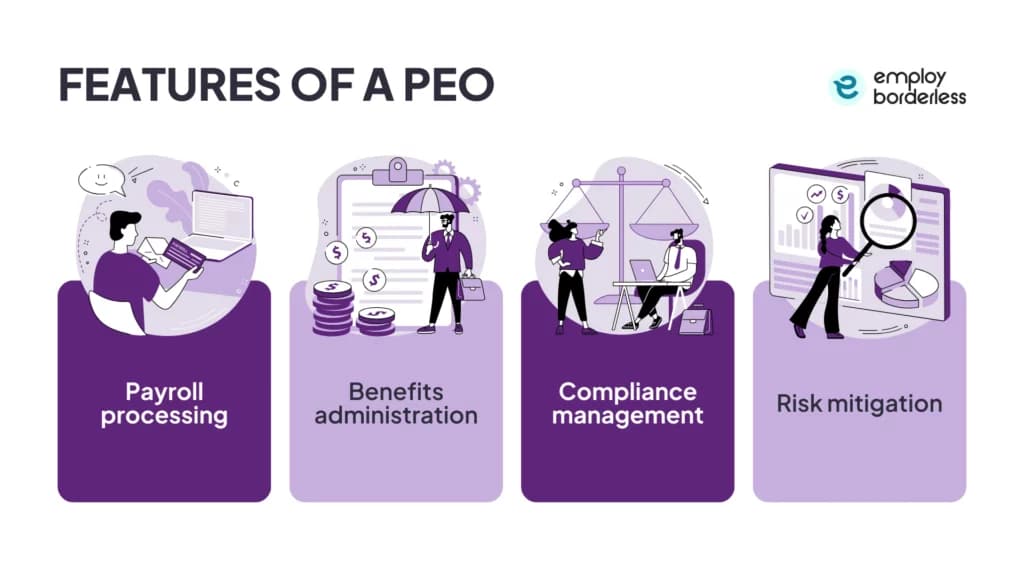
- Payroll processing: manages wages, taxes, and deductions so employees are paid accurately and on time.
- Benefits administration: pools multiple client businesses to negotiate group rates and offer benefits that help attract and keep staff.
- Compliance management: tracks changing federal, state, and local rules, including FICA (Federal Insurance Contributions Act) and FUTA (Federal Unemployment Tax Act), to cut legal risk and penalties.
- Risk mitigation: runs risk assessments, builds safety programs, delivers employee training, and sets incident-prevention policy such as PPE (Personal Protective Equipment) requirements.
HRIS features
HRIS features include time and attendance tracking, compliance reporting, performance reviews, an ATS for recruitment, and benefit enrollment portals. Together, these tools help you track labor costs, meet legal requirements, evaluate employees, manage hiring, and simplify benefits administration.
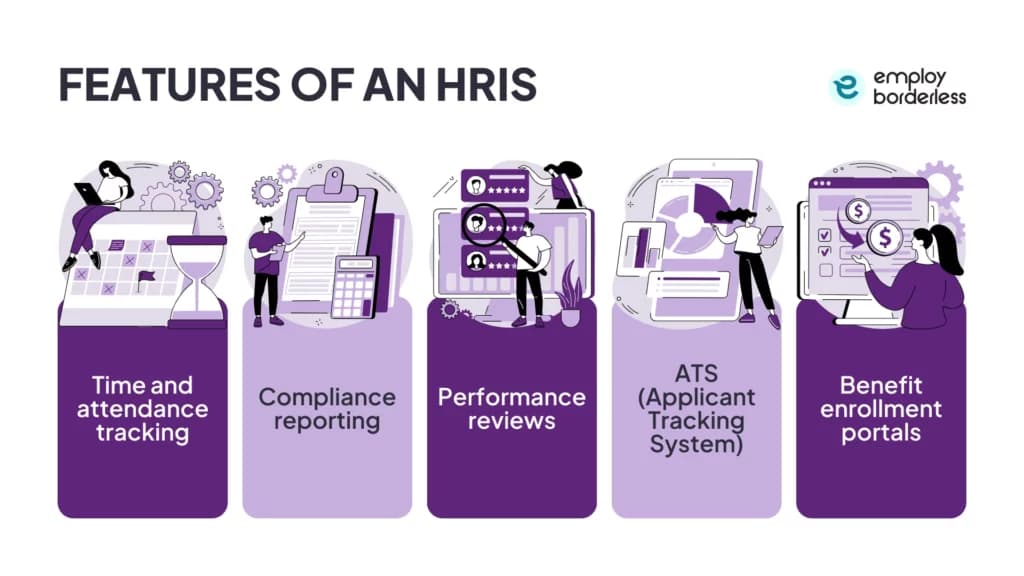
- Time and attendance tracking: monitors hours, schedules, and overtime, keeping payroll accurate and labor costs controlled.
- Compliance reporting: builds required reports, including the EEO-1 (workplace diversity) and ACA (Affordable Care Act) coverage filings.
- Performance reviews: gives managers a structured way to rate skills, competencies, knowledge, and behaviors consistently.
- ATS (Applicant Tracking System): centralizes job postings, applications, resumes, and candidate tracking in one database.
- Benefit enrollment portals: lets employees view, select, and manage benefits online, cutting manual paperwork.
Differences between PEO and HRIS
Service offering and ownership
A PEO delivers payroll, benefits, compliance, and risk management as a bundled outsourced service, becoming employer of record for tax and benefit purposes. An HRIS is a tool the company runs itself: it automates payroll, applicant tracking, and recordkeeping, but the business owns and staffs the process, so employment ownership stays fully in-house.
Customization and control
PEOs sell standardized, packaged services with limited room to customize benefits or policy. HRIS platforms let a company pick specific modules, such as performance management, learning and development, payroll, or analytics, and build a workflow around them, so the company keeps full control over policy and benefits decisions.
Workforce analytics
PEO reporting covers compliance, payroll, and benefits, with a narrower scope for workforce planning or engagement metrics. HRIS platforms centralize employee data and support turnover tracking, hiring-productivity measurement, and other data used for long-term talent decisions.
Internal resources and setup
A PEO needs fewer internal HR staff because the provider runs payroll, benefits, compliance, and risk administration, which suits small and mid-size companies without an HR department. An HRIS needs in-house HR and IT time for setup, configuration, data migration, and training, raising upfront cost. Onboarding is faster with a PEO, since the provider manages payroll setup, benefits enrollment, and compliance from day one; HRIS setup takes longer because the software has to be configured to match company workflows and connected to other business systems.
Growth capacity
A PEO gives a small business instant access to HR expertise, payroll, benefits, and compliance support without an internal team, which works well for startups. Because fees track payroll or headcount, cost rises as the business grows and the model can become less cost-effective over time. HRIS platforms grow by adding modules and features, so a company can start with payroll or time tracking and add performance management, learning, or analytics later, which keeps long-term cost lower than a PEO.
Cost model
PEOs typically charge approximately 2% to 12% of payroll, or a flat fee of $100 to $200 per employee. HRIS pricing runs on a PEPM (Per Employee Per Month) basis of $5 to $30, with the exact figure set by feature set, headcount, deployment complexity, and vendor.
Exit complexity
Leaving a PEO is harder than leaving an HRIS because co-employment ties payroll tax accounts, benefits plans, and compliance records to the provider. An HRIS exit mainly means the company migrates its own data, since it already owns and runs the software internally.
Similarities between PEO and HRIS
PEO and HRIS platforms share five core functions: employee data management, onboarding support, reporting and analytics, HR process automation, and reduced administrative burden. The difference is delivery, PEOs bundle these functions into an outsourced service, while HRIS platforms give companies direct control through software they manage internally.
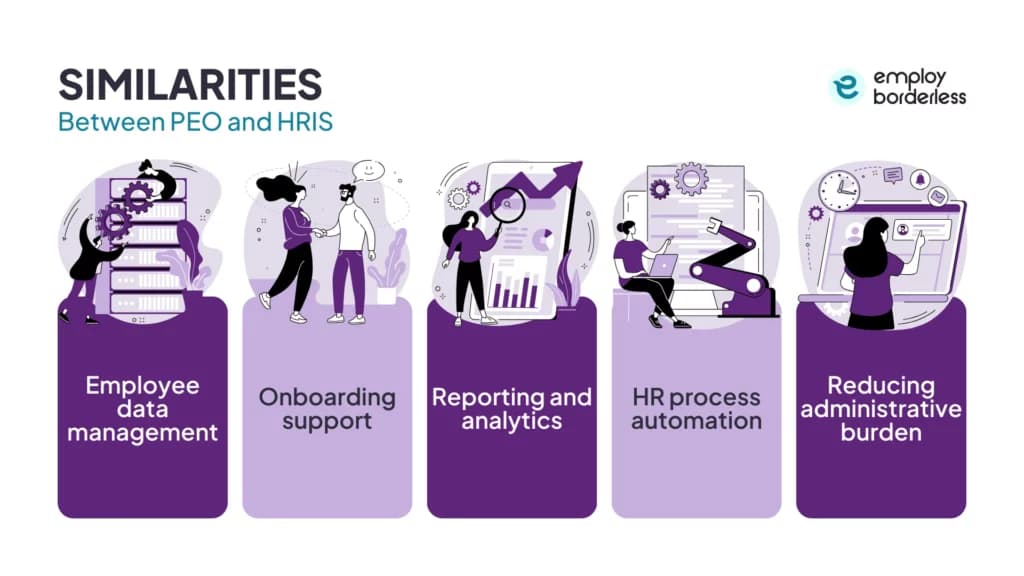
- Employee data management: both centralize records for payroll, onboarding, and benefits; PEOs often run an HRIS platform inside their own service, while a standalone HRIS is a system the company operates for the same purpose.
- Onboarding support: PEOs run guided onboarding covering company policy, benefits, and compliance paperwork through their own platform and support staff; an HRIS automates the same onboarding tasks, including document management, training modules, and compliance tracking, with the company managing it internally.
- Reporting and analytics: PEOs give clients centralized records and analytics for safety audits, training programs, turnover, and benefits usage; HRIS platforms build custom reports on time tracking, attendance, and leave management.
- HR process automation: both automate onboarding, offboarding, recruitment, and compliance management; PEOs bundle this automation into their service, while HRIS platforms give the company direct control over the automated workflow.
- Reducing administrative burden: PEOs bundle HR compliance, workforce management, and benefits administration into one outsourced package; HRIS platforms cut the same manual work, including recordkeeping and time tracking, through software the company runs itself.
Benefits of a PEO
A PEO offers compliance expertise, workers' compensation support, industry-specific guidance, simplified payroll, better onboarding, and stronger benefit packages. These services help businesses reduce administrative burden, avoid regulatory fines, and offer employees benefits comparable to those at larger companies.
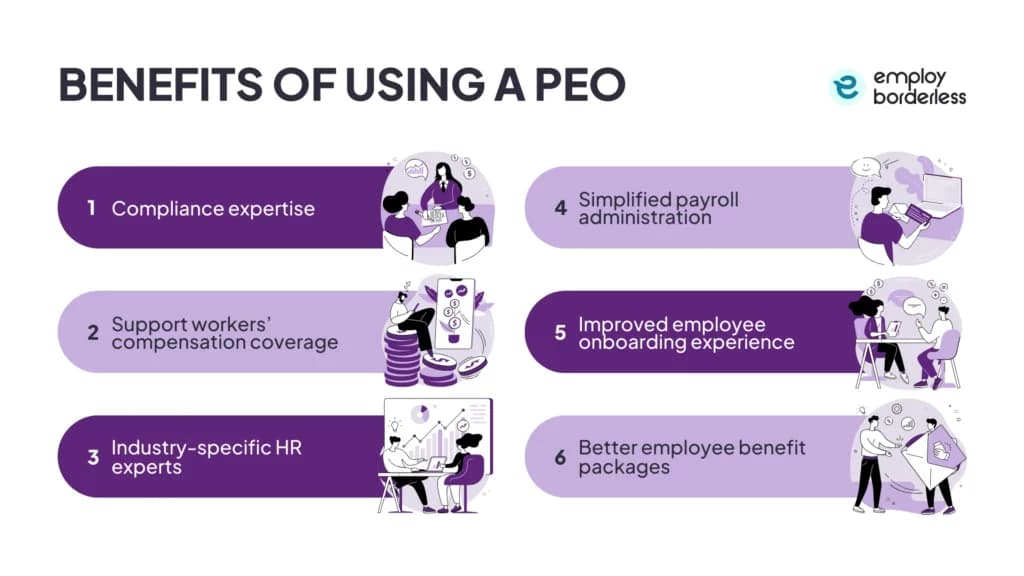
- Compliance expertise: tracks FLSA (Fair Labor Standards Act), ADA (Americans with Disabilities Act), FMLA (Family and Medical Leave Act), and OSHA (Occupational Safety and Health Administration) requirements and updates policy to avoid fines.
- Workers' compensation support: pools multiple client businesses to negotiate carrier rates, manages claims from injury report to resolution, and handles filings tied to coverage such as EPLI (Employment Practices Liability Insurance).
- Industry-specific expertise: for example, PEOs help construction clients meet OSHA safety protocols and tailor recruitment and benefits advice to market trends.
- Simplified payroll: handles wage calculation, direct deposit, tax withholding, and year-end forms (W-2s, 1099s), while tracking FICA, FUTA, and SUTA (State Unemployment Tax Act) obligations.
- Better onboarding: cloud-based platforms handle document submission, benefits enrollment, and tax forms, including I-9 verification, in one place.
- Stronger benefit packages: negotiates group rates on health, dental, vision, life, disability, and retirement plans comparable to Fortune 500 offerings, plus wellness programs, commuter benefits, and EAPs (Employee Assistance Programs).
Benefits of an HRIS
An HRIS benefits your company by automating payroll, benefits, and leave management, centralizing employee data in one system, strengthening data security, supporting performance management with real-time goal tracking, and speeding up onboarding and offboarding through automated documentation.
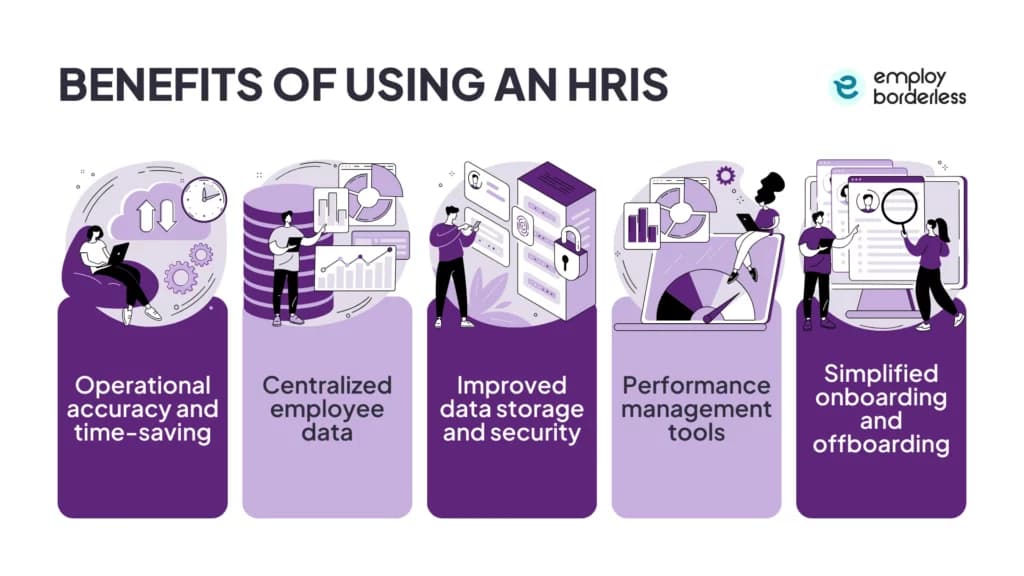
- Accuracy and time saved: automates payroll calculations, benefits deductions, tax filings, leave management, and document processing, cutting manual error and freeing HR for workforce planning and engagement.
- Centralized data: merges personal details, employment history, payroll, benefits, and performance records into one system, removing duplicate entries and supporting audit trails.
- Better data security: combines encryption, controlled access, and activity monitoring, supporting rules such as HIPAA (Health Insurance Portability and Accountability Act) and GDPR (General Data Protection Regulation).
- Performance management: lets managers and staff set SMART (Specific, Measurable, Achievable, Relevant, Time-bound) goals, track them in real time, and run automated feedback cycles and dashboards.
- Faster onboarding and offboarding: automates contracts, benefits enrollment, and tax forms online, and stores handbooks, policies, and training materials in one searchable location.
Drawbacks of a PEO
Working with a PEO means giving up some control over payroll, benefits, and compliance decisions, plus taking on shared liability if the provider makes errors. Costs can climb with headcount, standardized tools may not fit your culture, and moving data out during a transition carries risk.
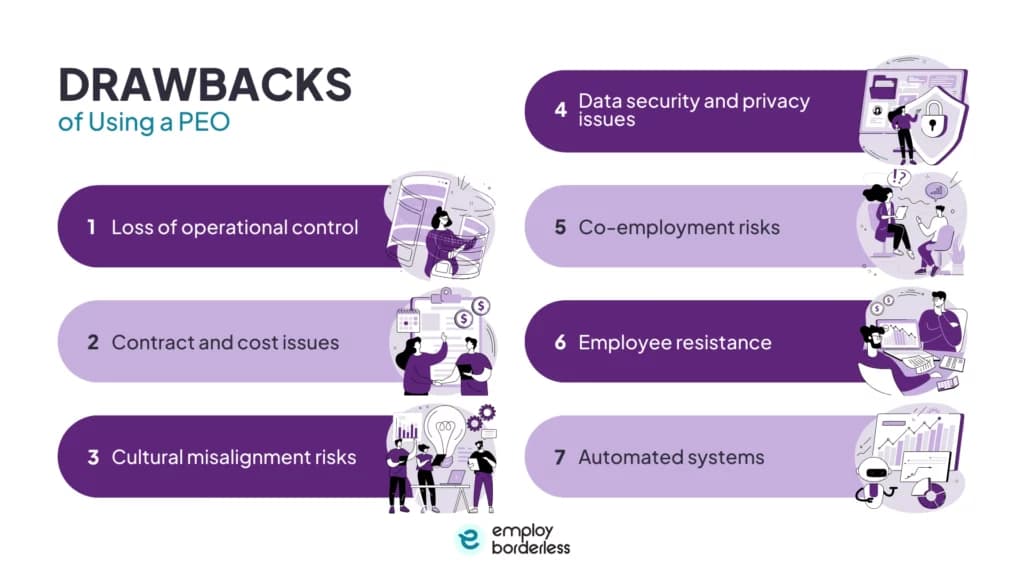
- Loss of operational control: co-employment hands benefits, payroll, and compliance decisions partly to the provider, slowing custom policy changes.
- Contract and cost issues: payroll-percentage or per-employee fees rise with headcount, and contracts sometimes carry hidden fees that strain a small-business budget.
- Cultural misalignment: standardized tools for onboarding or time tracking can feel impersonal against a company's own culture.
- Data security and privacy: the PEO holds payroll and employment data as co-employer, so moving that data out cleanly during a transition is a real risk.
- Co-employment liability: both parties share responsibility for compliance failures such as misclassification or payroll errors, and the client can still face fines if the PEO processes payroll incorrectly.
- Employee resistance: co-employment confuses staff about reporting lines, benefits, and loyalty, which can hurt morale without clear communication.
- Automated system limits: a PEO's automated leave portal, for example, handles routine requests well but struggles with overlapping leaves or special accommodations.
Drawbacks of an HRIS
An HRIS comes with drawbacks like high purchase and setup costs, ongoing maintenance, and training requirements for staff. It also carries security and privacy risks since it stores sensitive employee data, along with customization, integration, and technology dependence challenges.
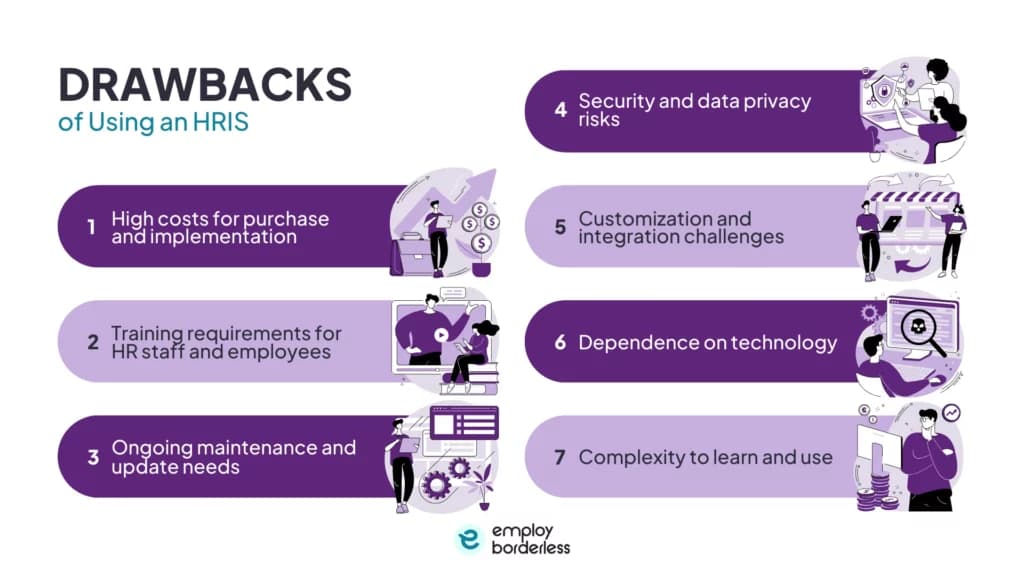
- High purchase and setup cost: licensing, hardware, consulting, and setup add up, and customization or integration work adds more.
- Training load: HR staff and employees need training to use the system correctly, and skipped training causes workflow errors.
- Ongoing maintenance: regular updates are needed to fix bugs, meet new law changes, and add features, which costs time and money, especially for small businesses.
- Security and privacy risk: the system stores sensitive employee data, so a breach or unauthorized access is a standing concern.
- Customization and integration difficulty: tailoring the system or connecting it to payroll or benefits software gets complex and costly depending on company size.
- Technology dependence: system failures disrupt HR workflow and cause employee dissatisfaction.
- Learning curve: feature-heavy systems confuse staff and lead to mistakes or under-use.
Who uses a PEO vs an HRIS
Small businesses, startups, and remote teams typically use a PEO to outsource payroll, benefits, and compliance, while HR professionals and companies of any size use an HRIS to automate onboarding, payroll, and performance management in-house.
PEO use cases
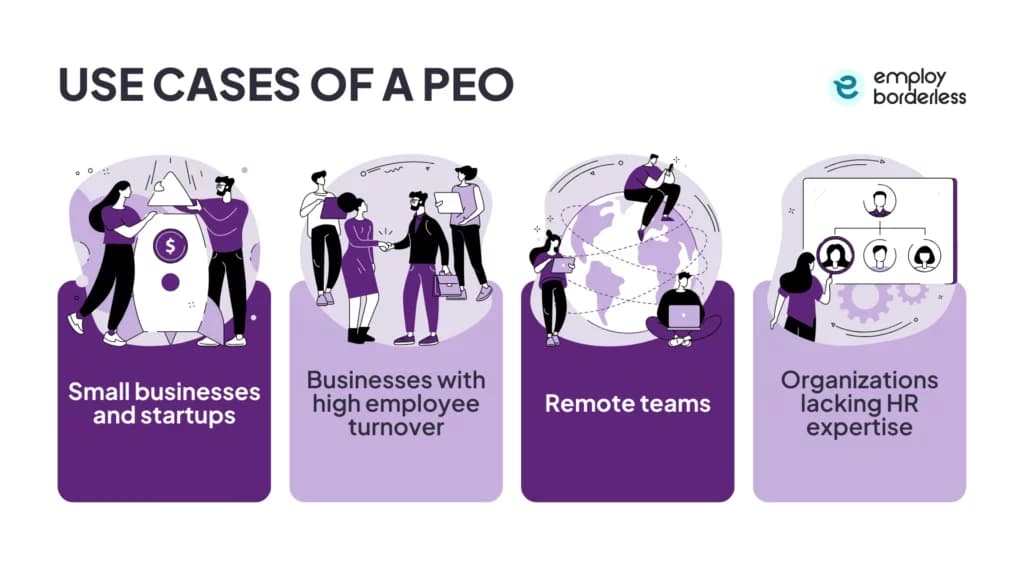
- Small businesses and startups get payroll, benefits, and compliance without building an internal team, and PEOs also handle international hiring and compliance for faster global expansion.
- Businesses with high turnover use PEO benefits and support resources, such as EAPs and accident or illness coverage, to help retain staff.
- Remote teams use PEOs to keep payroll, onboarding, and compliance uniform across locations and to stay compliant with state or international rules such as GDPR.
- Organizations without HR expertise fill gaps in compliance, benefits administration, payroll, and safety regulation through the PEO's staff.
HRIS use cases
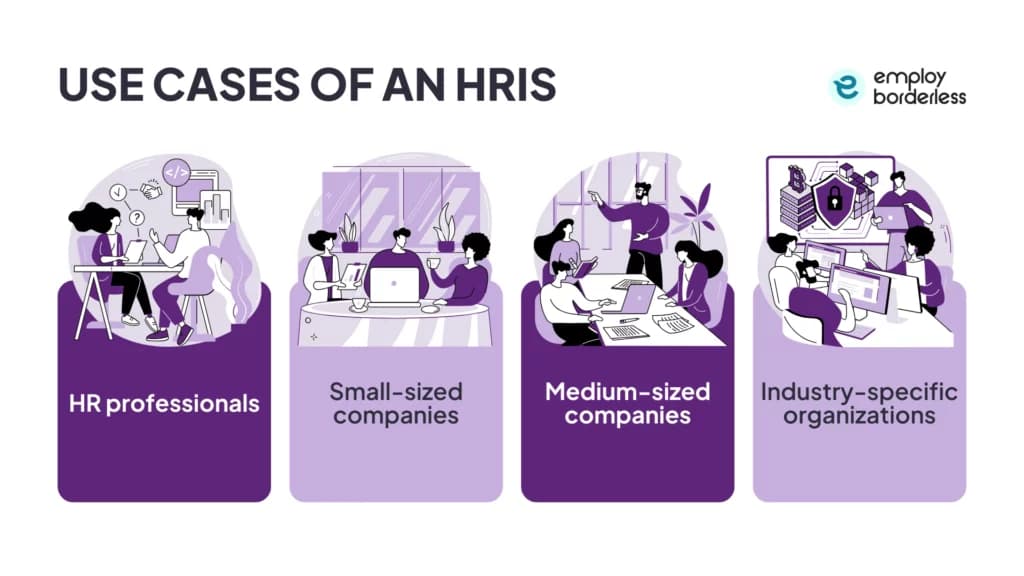
- HR professionals at companies of any size use HRIS to automate onboarding, document management, and compliance, freeing time for engagement and workforce planning.
- Small companies without a large HR team centralize payroll, time-off tracking, and recordkeeping in one system to cut errors and stay compliant.
- Medium-sized companies use HRIS for talent management, hiring automation, performance reviews, feedback, and offboarding.
- Industry-specific organizations in technology, retail, healthcare, and manufacturing manage payroll, compliance, and performance tracking across large or distributed workforces. Walmart, for example, uses HRIS to run payroll, scheduling, and benefits for its workforce, including through mobile access.
How to choose between a PEO and an HRIS
Choosing between a PEO and an HRIS comes down to how much control you want to keep. A PEO outsources payroll, benefits, and compliance through a co-employment model, while an HRIS gives your HR team software to manage those functions directly, with full control over policy and customization.
| Decision factor | Choose a PEO | Choose an HRIS |
|---|---|---|
| Scope of support | Outsource payroll, benefits, compliance, and risk; fits small to mid-size companies without an HR team | Automate recordkeeping, payroll, and benefits while HR staff run operations directly |
| Control and customization | Accept a co-employment model where the PEO shares onboarding, recruiting, policy, and benefits decisions | Keep full control of HR policy with software configured around company culture and goals |
| Growth plans | Scale quickly through bundled services, though standardized packages limit adjustment to changing needs | Add modules and upgrades over time to expand HR functions as the company grows |
| Compliance approach | Provider takes on compliance with laws such as FLSA and FMLA, lowering legal risk | Company manages compliance internally with system tools, requiring active tracking of law changes |
| Employee experience | Access competitive health and retirement benefits, though co-employment can create distance between company and staff | Keep direct communication and a consistent culture, supporting engagement and satisfaction |
Switching from a PEO to an HRIS
Switching from a PEO to an HRIS means ending the co-employment agreement, moving payroll tax accounts off the PEO's EIN, re-establishing benefits plans directly with carriers, and building compliance reporting inside the new system.
Exiting a PEO takes more work than exiting an HRIS because co-employment ties notice periods, termination clauses, payroll tax transfers, and benefits administration to the provider. After leaving a PEO, a company has to re-establish its own benefits, take back compliance responsibility, and stand up a replacement HR system, often an HRIS, in place of what the PEO managed.
Moving to an HRIS afterward is comparatively simple because the company owns and manages the software directly and migrates its own data without co-employment restrictions. Still, a clean migration needs planning, dedicated staff time, and internal HR expertise to avoid gaps in payroll, benefits, or compliance during the changeover.
PEO vs HCM
HCM (Human Capital Management) is the broader label for HR software covering payroll, benefits, performance, and workforce planning, and in practice it overlaps heavily with HRIS. A PEO vs HCM comparison follows the same lines as PEO vs HRIS above: a PEO is an outsourced, co-employed HR service, while HCM or HRIS software is a system the company owns, staffs, and runs itself.
Other HR outsourcing options besides PEO and HRIS
Other HR outsourcing options beyond PEO and HRIS include ASO, HRO, EOR, and BPO.
- ASO (Administrative Services Organization): manages payroll, benefits administration, and compliance support without a co-employment relationship, so the client keeps full control over employment decisions and legal responsibility.
- HRO (Human Resources Outsourcing): contracts specific HR tasks or entire HR functions, including payroll, benefits, recruitment, and employee relations, ranging from basic services to full strategic partnerships.
- EOR (Employer of Record): becomes the full legal employer of a company's workforce, handling payroll, benefits, and compliance with local labor law (wage, leave, and termination rules) while the client keeps control of daily work; it suits hiring in countries where the company has no local entity.
- BPO (Business Process Outsourcing): contracts specific operations, including payroll, recruitment, and benefits administration, to outside vendors so the company can focus on core activities.
What is the difference between a PEO and HRM?
A PEO enters a co-employment agreement and shares employer responsibility for payroll, benefits, and compliance. HRM (Human Resource Management) is the internal management of those functions, where the company keeps full control and responsibility for its workforce.
What are the three types of PEO?
PEO types include full-service PEOs, industry-specific PEOs, CPEOs (Certified PEOs), PEO alliances, and ASO (Administrative Services Organization). PEO types differ by business size, service scope, co-employment structure, and geographic reach.
What are the 5 types of HRIS systems?
The five types are operational HRIS, tactical HRIS, strategic HRIS, comprehensive HRIS, and limited-function HRIS. They range from automating daily HR tasks and supporting long-term workforce planning to combining all HR functions or handling specific processes for smaller or specialized organizations.
Is an HRIS more cost-effective than a PEO?
Yes. HRIS platforms carry lower per-employee fees and fewer ongoing service costs than a PEO. PEO cost runs on a percentage of payroll or a per-employee-per-month fee that covers a wider bundle of HR services and rises as headcount grows.
What is the difference between a PEO and a staffing agency?
A PEO and a staffing agency differ in relationship: a PEO forms a co-employment relationship and shares responsibility for payroll, benefits, and compliance, while a staffing agency recruits and places temporary or contract workers for short-term needs and does not manage ongoing HR functions such as payroll or compliance.

Co-founder, Employ Borderless
Robbin Schuchmann is the co-founder of Employ Borderless, an independent advisory platform for global employment. With years of experience analyzing EOR, PEO, and global payroll providers, he helps companies make informed decisions about international hiring.
Learning path · 9 articles
PEO fundamentals
Master the fundamentals with our step-by-step guide.
Start the pathReady to hire globally?
Get a free, personalized recommendation for the best EOR provider based on your needs.
Get free recommendations