Payroll migration: definition, reasons, steps, and best practices

Robbin Schuchmann
Co-founder, Employ Borderless
Payroll migration is the structured process of transferring all payroll operations, data, and processes from one system or provider to another. This process confirms that employee records, payroll history, tax, and compliance information are accurately moved while maintaining uninterrupted payroll processing and compliance with regulations.
The reasons for a payroll migration are multi-state compliance, dissatisfaction with the current payroll provider, outdated payroll technology, changes in business size or structure, budget limitations or cost-reduction needs, and frequent payroll errors or accuracy issues.
The steps for a smooth payroll migration involve defining payroll migration objectives, planning and building a migration checklist, selecting the right payroll system, assigning a payroll migration team, auditing and preparing payroll data, testing the new payroll system, training employees and internal teams, and ongoing communication.
Best practices for a payroll migration are to perform a thorough data cleansing, stay compliant during payroll migration, run parallel payroll testing, engage HR and finance teams early, and select the right migration timeline.
What is payroll migration?
Payroll migration is the process of transferring payroll operations, data, and employee records from one system or provider to another. This migration process includes shifting from in-house payroll to an outsourced service, upgrading to a more scalable software platform, or integrating payroll with a comprehensive HR or finance system. Organizations usually initiate payroll migration to access advanced technology and automation, improve compliance and reduce risk, support expansion into new regions, and lower costs while simplifying internal workflows.
What information is required during a payroll migration?
The information required during a payroll migration involves important business details such as the legal business name, federal and state TINs (Tax Identification Numbers), registered address, and business structure. It also includes banking information used for payroll payments, whether by check or direct deposit, along with previously filed payroll tax returns and related forms. Accurate employee information, like personal details, W-4 data, and direct deposit instructions, is required, and so is implementation support from the new payroll vendor. Most providers supply standardized data templates, while employers remain actively involved in extracting, reviewing, and validating payroll data both before and after the migration to maintain accuracy and continuity.
What are the reasons for a payroll migration?
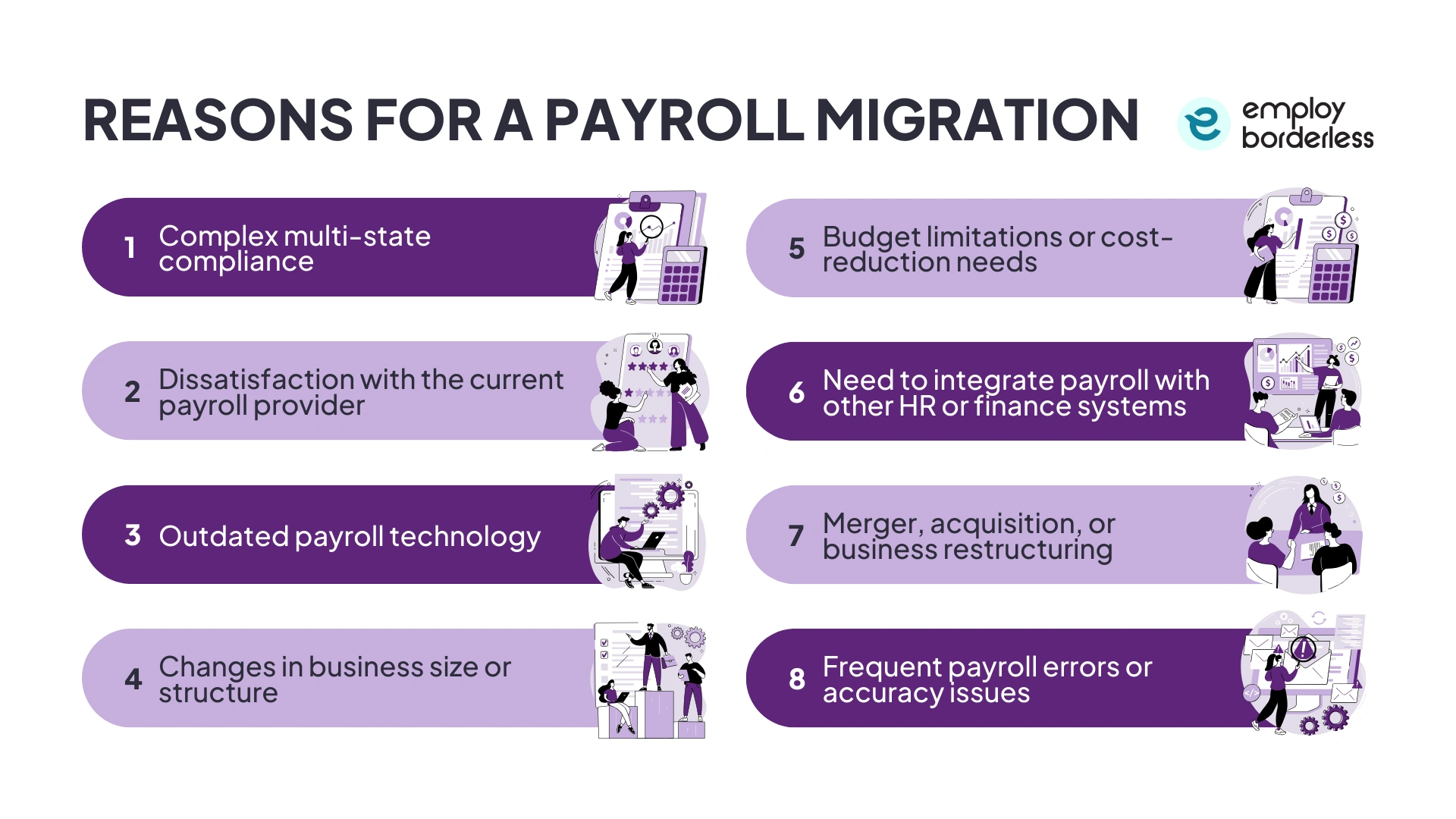
The reasons for a payroll migration are multi-state compliance, dissatisfaction with the current payroll provider, outdated payroll technology, changes in business size or structure, budget limitations or cost-reduction needs, and frequent payroll errors or accuracy issues.
The reasons for a payroll migration are discussed below.
Complex multi-state compliance: Business operations across multiple states increase payroll complexity because each location follows different labor laws and minimum wage rules. There are also different statutory benefits, such as PF (Provident Fund) and ESIC (Employees’ State Insurance Corporation), and tax deduction requirements like TDS (Tax Deducted at Source) in each state. Managing these differences manually or on limited systems increases the risk of calculation errors, late filings, and penalties.
Dissatisfaction with the current payroll provider: Businesses migrate their payroll systems when existing providers fail to meet expectations due to issues like inaccurate calculations, poor customer service, and hidden costs. These issues also involve a lack of scalability, limited data visibility, and poor compliance with tax and labor regulations.
Outdated payroll technology: Many employers switch because their current system relies on outdated technology, which lacks the automation, integration, and modern features required to run payroll smoothly and accurately. Such outdated technology is unable to keep up with current demands, which leads to manual solutions, more errors in tax calculations or pay runs, and longer processing times. It also exposes sensitive payroll data to security risks due to weak controls and a lack of updates.
Changes in business size or structure: A company’s payroll needs become more complex and demanding as it grows or experiences changes in size or organizational setup. Small-scale payroll systems have difficulty scaling effectively as businesses expand their workforce, enter new regions, or introduce unique pay structures. Such changes result in administrative challenges and increased risk of errors.
Budget limitations or cost-reduction needs: Organizations migrate payroll to better manage costs and budgets. Modern payroll platforms provide transparent pricing, converting in-house payroll expenses into fixed costs for easy budget control. This approach also lowers total ownership costs by removing dedicated payroll staff, outdated systems, and maintenance expenses.
Need to integrate payroll with other HR or finance systems: Payroll systems operating separately create data duplication, which results in repeated efforts, manual errors, and inaccuracies. Integrating payroll with these platforms allows employee information, such as salaries, benefits, attendance, and tax data, to flow automatically across systems while reducing repetitive data entry and mistakes.
Merger, acquisition, or business restructuring: Payroll migration becomes necessary when companies merge, acquire, or go through restructuring to consolidate and connect systems. These business changes involve combining different payroll platforms, policies, and data from each organization, which sometimes creates confusion, inconsistencies, and errors if left unresolved.
Frequent payroll errors or accuracy issues: A company that experiences repeated payroll mistakes, like miscalculations of wages, incorrect tax or deduction amounts, or inaccuracies in employee pay, shows that the current payroll system or processes are lacking. These errors consume valuable time and resources to investigate and correct mistakes, distract payroll and HR teams from strategic work, and affect employee trust and morale.
What are the steps for a smooth payroll migration?
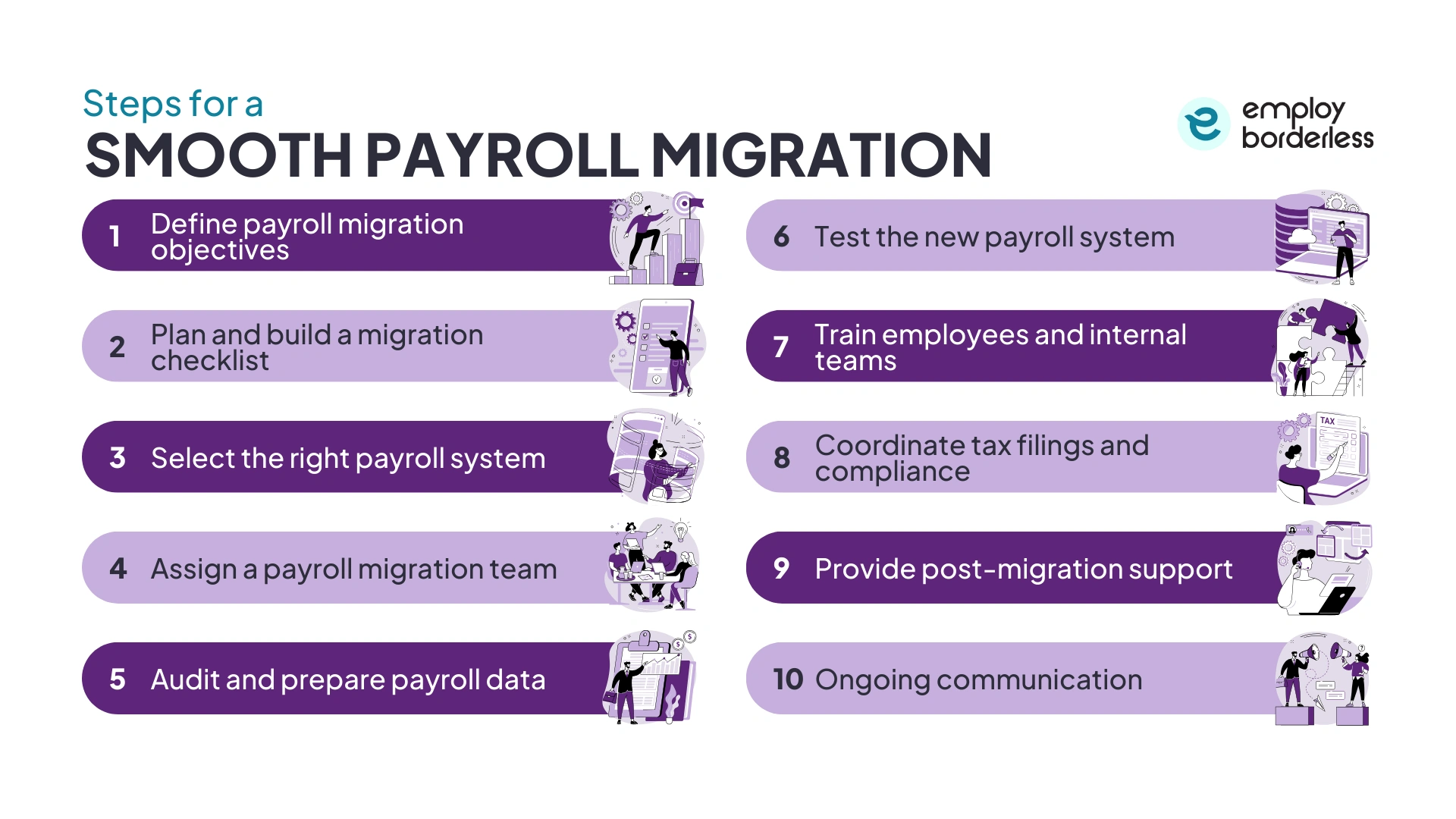
The steps for a smooth payroll migration include defining payroll migration objectives, planning and building a migration checklist, selecting the right payroll system, assigning a payroll migration team, auditing and preparing payroll data, testing the new payroll system, training employees and internal teams, and ongoing communication.
Define payroll migration objectives
Clearly define payroll migration objectives by identifying the reasons for migrating payroll, such as improved automation, expanded international coverage, or better compliance support. Determine which employee groups are affected, considering factors such as location or department, and decide on a phased or full-scale migration approach. Set a clear go-live date and timeline to guide the migration process and keep all stakeholders on board.
Plan and build a migration checklist
Plan and build a migration checklist by assessing payroll needs and auditing current processes to identify errors that automation is able to correct. Review integration requirements with HR, accounting, and time-tracking systems, and clean employee records, historical payroll, tax filings, and benefits data. Engage important stakeholders to clarify roles and expectations and map how payroll changes as the business grows. Define profitability with clear goals and measurable KPIs (Key Performance Indicators), such as on-time processing and reduced errors.
Select the right payroll system
Select the right payroll system by considering whether the solution is cloud-based or on-site, as cloud options usually offer more flexibility, accessibility, and automatic updates. Make sure the system supports automation for payroll calculations, tax compliance, and reporting, while also staying scalable to support business growth. Look for strong employee self-service features that allow staff to access payslips, tax documents, and leave balances, which reduces HR burden.
Verify integration capabilities with third-party applications like time tracking, benefits administration, and HR management systems. Assess the vendor’s credibility, which includes their experience with managed services, issue resolution, and support response times. Choosing a proven payroll system with advanced compliance and support features helps confirm long-term success and lowers risks.
Assign a payroll migration team
A smooth payroll migration depends on having the right team with expertise in both the existing and new systems. Collaboration between HR, finance, and IT teams supports smooth data transfer and integration, while project managers and payroll consultants guide the process, manage challenges, and maintain compliance. Involving payroll vendors and employees during testing and validation helps confirm accuracy and usability. A clear project plan with defined roles, responsibilities, timelines, and leadership involvement supports accountability, prevents delays, and keeps the migration on track.
Audit and prepare payroll data
Audit and prepare payroll data to check accuracy before migrating payroll by reviewing employee information. This information involves compensation details like salaries, bonuses, or benefits, time-off balances, and tax and compliance records. Standardize data formats and correct any inconsistencies where possible. Document all payroll policies and processes to provide a clear reference during the migration.
Test the new payroll system
Start with a parallel payroll run, processing a full pay cycle in the new system while maintaining the old method, then compare gross pay, deductions, and net pay. Verify that all functions, such as integrations, employee self-service, reporting dashboards, and automated tax filings, work as expected. Engage stakeholders to identify and resolve issues early, documenting and retesting until results are accurate.
Train employees and internal teams
Provide training for HR and finance teams on using the new payroll system. This training prepares teams to manage exceptions, handle audit requests, and generate accurate MIS (Management Information System) reports independently. Explain to employees how they can access payslips and tax documents, and share contact information for questions. Providing ongoing support and refresher sessions also builds confidence, reduces reliance on external vendors, and improves overall system usage.
Coordinate tax filings and compliance
Make sure all tax returns and statutory contributions are up to date before transitioning, and integrate local labor laws, withholding rules, and social contributions into the new system. Maintain calendars for submission deadlines and regulatory changes, and involve HR, legal, and finance teams to manage compliance obligations. This coordination results in accurate filings, uninterrupted reporting, and less risk of penalties during and after the migration.
Provide post-migration support
Conduct a post-migration review to assess the transition’s effectiveness after completing the first few live payroll cycles. Gather feedback from employees and stakeholders, evaluate payroll accuracy, timeliness, and compliance, and identify areas for improvement or further automation. Use these insights to continuously modify and improve payroll processes, which lead to increased productivity and reliability over time.
Ongoing communication
Keep the workforce informed, engaged, and unified throughout the transition. Regular updates help employees and stakeholders understand the progress, changes in payroll processes, and any new procedures, which reduces confusion and resistance to the new system. Clear and consistent messaging builds trust and confidence, encourages questions and feedback, and makes sure that issues are resolved quickly.
What are the challenges in payroll migration?
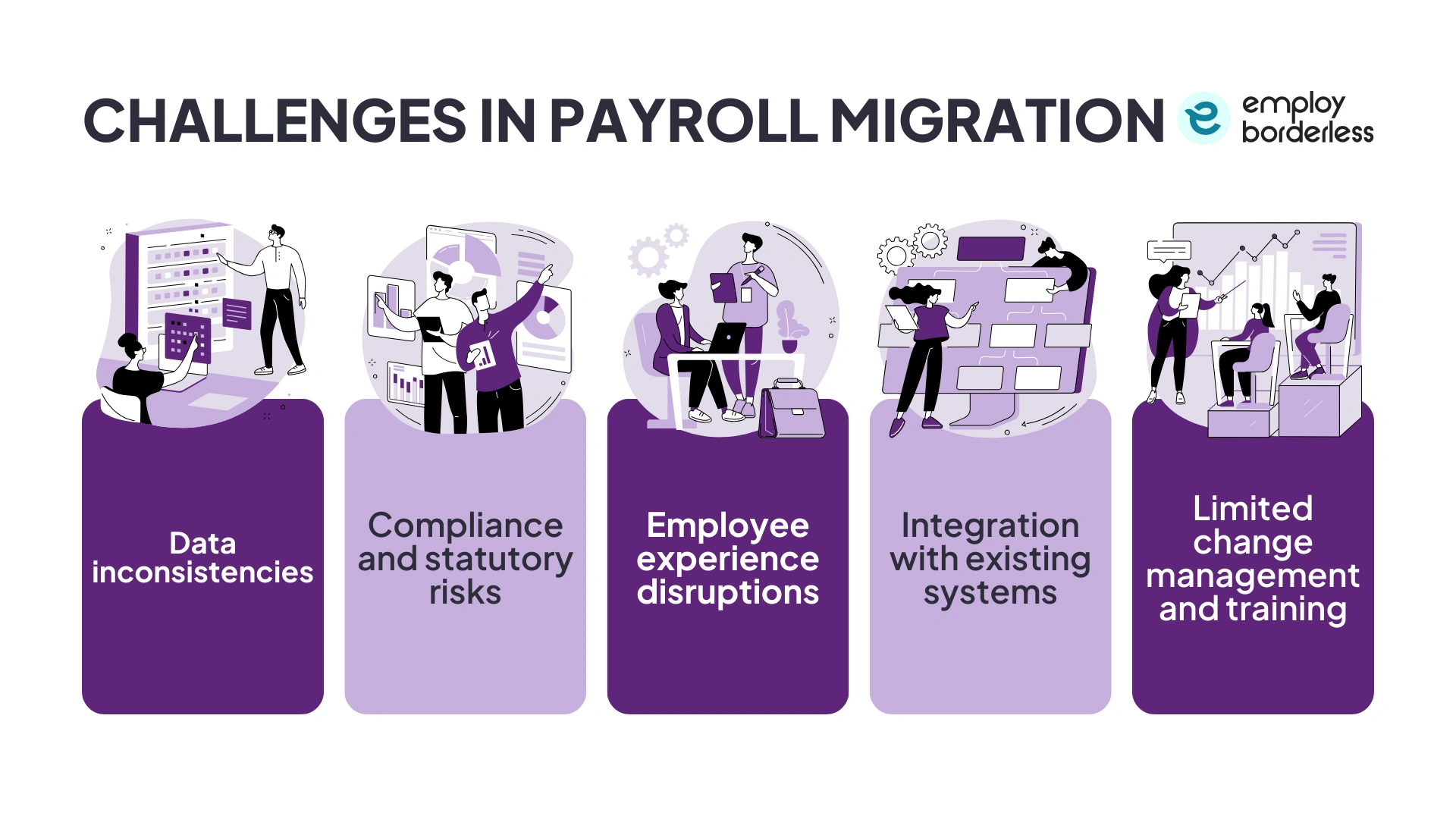
The challenges in payroll migration are data inconsistencies, compliance and statutory risks, employee experience disruptions, integration with existing systems, and limited change management and training.
The challenges in payroll migration are discussed below.
Data inconsistencies: Payroll migrations sometimes fail when employee data is incomplete, outdated, or inconsistent. Mistakes in salary structures, tax information, or compliance details also affect payroll accuracy and delay a smooth transition to the new system.
Compliance and statutory risks: Failing to properly map PF (Provident Fund), ESIC (Employees’ State Insurance Corporation), TDS (Tax Deducted at Source), and state-specific regulations during payroll migration increases compliance risks. Misalignment with statutory obligations results in penalties, audits, or legal issues after implementation.
Employee experience disruptions: Errors in salary, delays in payment, or incorrect deductions during payroll migration reduce employee trust. Even minor payroll mistakes affect employee morale and retention, so it is important to maintain accuracy and transparency to protect workforce confidence.
Integration with existing systems: Payroll needs to integrate smoothly with HR, ERP (Enterprise Resource Planning), and attendance platforms. An ineffective migration causes disorganized workflows, duplicate entries, and reporting errors, which result in inaccuracies instead of simplified payroll management.
Limited change management and training: HR and finance teams sometimes lack training on modern payroll systems. Teams often resist new system implementation, make operational errors, and rely on external vendors for routine payroll tasks without effective change management.
What are the best practices for a smooth payroll migration?
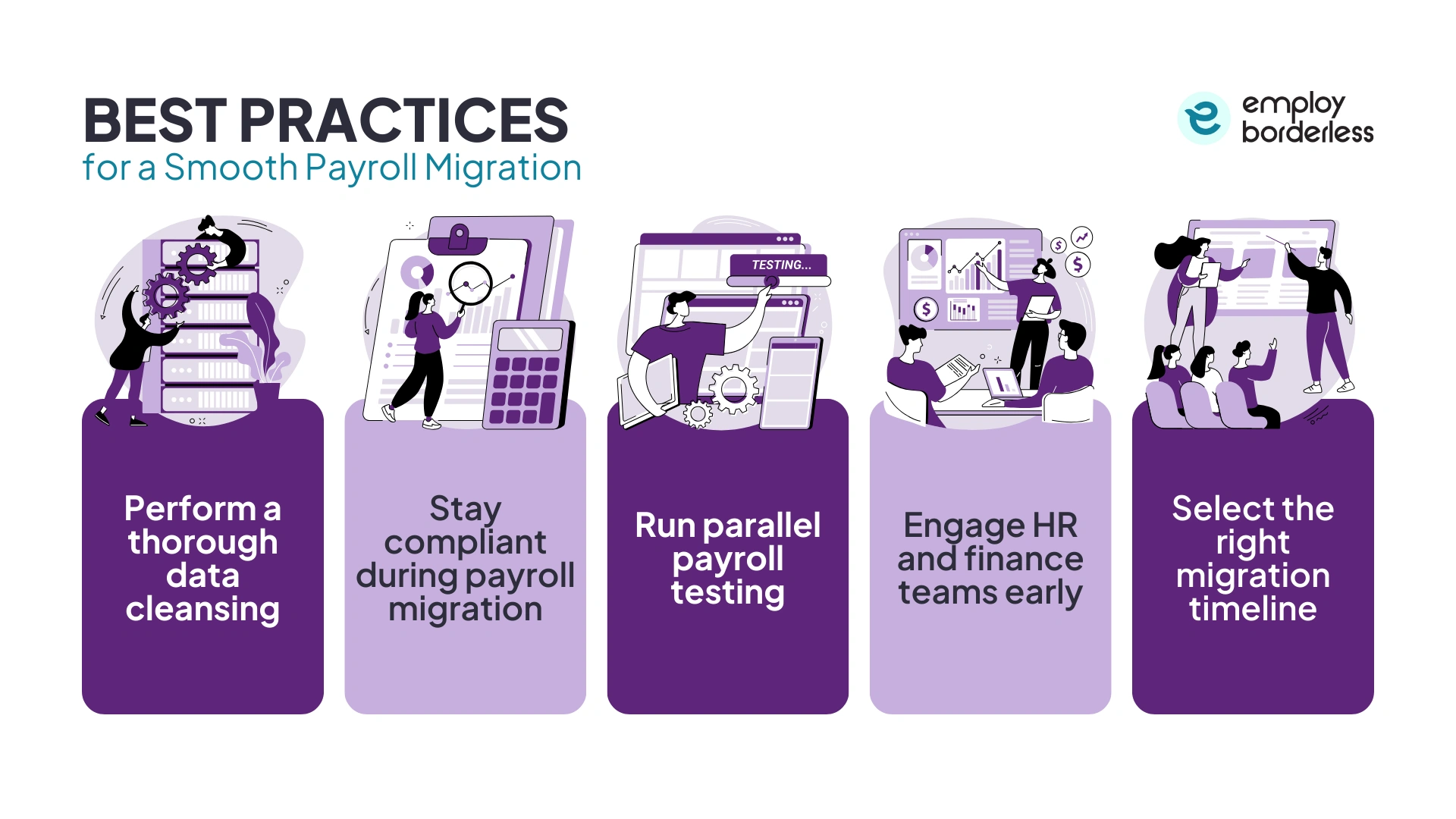
The best practices for a smooth payroll migration include performing a thorough data cleansing, staying compliant during payroll migration, running parallel payroll testing, engaging HR and finance teams early, and selecting the right migration timeline.
Perform a thorough data cleansing
Companies need to verify that employee records are accurate, complete, and standardized before payroll migration. Clean data helps prevent payroll errors, smooth system integration, and create a strong base for reliable future payroll processing.
Stay compliant during payroll migration
Integrate statutory guidelines such as PF (Provident Fund), ESIC (Employees’ State Insurance Corporation), TDS (Tax Deducted at Source), and state-specific laws into the migrated payroll system. Automated compliance updates help reduce penalties, simplify audits, and maintain regulatory confidence.
Run parallel payroll testing
The payroll team must conduct multiple payroll runs on both the old and new systems. Comparing results helps validate accuracy, identify differences, and make timely corrections before going live, which reduces any disruptive impact on employees.
Engage HR and finance teams early
Engage payroll stakeholders from the planning stage through testing and training. Early involvement improves system adoption, helps teams manage issues independently, and reduces dependence on external support after migration.
Select the right migration timeline
Schedule payroll migration during a low-activity period to minimize disruptions. Selecting an appropriate timeline reduces employee impact, allows for future planning, and guarantees a smooth transition across all payroll operations.
How to choose a payroll provider for migration?
To choose a payroll provider for migration, consider technology and integration capabilities, data security and confidentiality, cost and pricing transparency, contract terms, and customer support and service quality.
Select a payroll provider that offers modern, automated payroll systems that smoothly connect with your existing HR, attendance, and accounting tools, which reduces manual work and errors.
Choose a payroll provider that uses strong security measures like SSL encryption, access controls, and regular backups to protect personal and financial information, as payroll systems store highly sensitive information.
Evaluate the contract length that the provider offers by assessing termination clauses and service guarantees to check flexibility and protection for your business needs. This transparency helps avoid long-term obligations that do not align with the business plans.
Partner with a payroll provider that offers reliable support for resolving issues quickly and maintaining smooth payroll operations. Companies should assess responsiveness, availability, and the quality of service delivered.
When is the best time for a payroll data migration?
The best time for a payroll data migration is at the start of the year, as these natural reporting boundaries simplify reconciliation, reduce the need to transfer year-to-date data, and help maintain accurate tax filings. Choosing such a timing also minimizes disruption and supports smooth transition planning.
How long does it take to transition payroll data?
It usually takes 1 to 3 months to transition payroll data, which depends on company size, complexity, number of employees, and multi-state or global operations.
How to ensure data integrity and compliance during a payroll data migration?
To ensure data integrity and compliance during a payroll data migration, thoroughly audit, cleanse, and validate records before transfer, and use automated validation tools to detect errors early. Secure data with SSL encryption, access controls, and audit trails, and reconcile old and new data sets to verify accuracy while ensuring payroll regulations and compliance.
Is it hard to switch payroll providers?
No, it is not hard to switch payroll providers. Modern payroll providers offer guided migrations and tools to simplify data transfer and testing. It is, however, challenging for complex setups involving large data volumes, mid-year switches, or legacy systems, risking errors in compliance or historical data mapping.
What information should you ask for when switching payroll providers?
The information you should ask for when switching payroll providers includes the features offered, support during setup, data privacy and security, fee structure, and availability of technical support. Check software integration with existing systems, multi-state or special pay accommodations, employee self-service options, and vendor reliability.

Co-founder, Employ Borderless
Robbin Schuchmann is the co-founder of Employ Borderless, an independent advisory platform for global employment. With years of experience analyzing EOR, PEO, and global payroll providers, he helps companies make informed decisions about international hiring.
Learning path · 10 articles
Payroll fundamentals
Master the fundamentals with our step-by-step guide.
Start the pathReady to hire globally?
Get a free, personalized recommendation for the best EOR provider based on your needs.
Get free recommendations