How to Build a Scalable Payroll System That Grows With Your Business

Robbin Schuchmann
Co-founder, Employ Borderless
A payroll system built to grow with the business handles more employees, more countries, more pay complexity, and more transactions without needing a full rebuild of its processes, technology, or team. ADP research found that 30% of finance and HR leaders aren't confident their payroll system can support growth or geographic expansion, and 70% believe their payroll is unprepared for future disruption or major regulatory change. A setup that works for 100 employees in one country can break down at 500 employees across five. The real question is whether the system was built to absorb that growth or whether it will force a disruptive migration at the worst possible time.
The Five Dimensions of Payroll Growth
A payroll system has to grow along five separate lines at once. A platform that handles 5,000 employees in one country can still struggle at 500 employees across ten countries, because multi-country compliance is a different problem than adding headcount. Judging a system on user count alone misses most of the picture.
| Dimension | What it covers |
|---|---|
| Headcount | More employees processed without a proportional rise in processing time or error rates |
| Geographic | New countries added without rebuilding the payroll workflow from scratch each time |
| Complexity | New pay types, deduction structures, and benefit schemes as the workforce diversifies |
| Regulatory | Tracking and applying compliance changes across a growing number of jurisdictions |
| Data volume | More transactions and reports processed without a drop in performance |
Why This Matters for Growing Businesses
A payroll system that cannot keep pace with growth creates errors, compliance failures, and delayed payments, all of which damage employee trust and slow expansion. Teams compensate by adding manual checks, building spreadsheets alongside the platform, and stretching processing timelines. These workarounds hold up for a while, then hit a wall where manual effort can no longer cover the gap.
ADP's research shows that workforce costs can account for up to 60% of total business costs, yet only 27% of financial leaders factor payroll data into their commercial and growth strategies. That gap exists partly because a system that cannot report reliably across every location produces data nobody trusts enough to use.
Signs a Payroll System Isn't Keeping Up
| Sign | What it means |
|---|---|
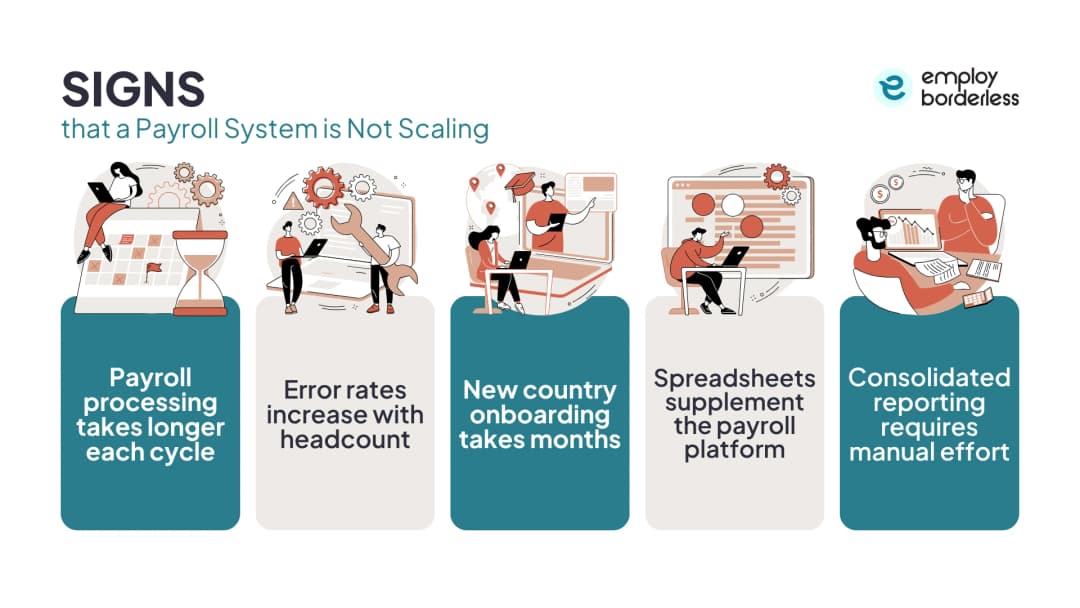
| Each cycle takes longer | If adding 50 employees adds a full day to processing, the workload is growing linearly instead of being absorbed by automation; human effort is filling the gap |
| Errors rise with headcount | At 100 employees the team can catch mistakes by reviewing records; at 1,000 that approach breaks, and the error rate becomes a function of volume, not competence |
| New countries take months | Without a standard framework, each country becomes a standalone project taking three to six months, delaying hiring in that market |
| Spreadsheets prop up the platform | Spreadsheets used for data collection or reporting alongside the main system are a symptom, and they introduce version control issues, formula errors, and security risk |
| Consolidated reports need manual work | ADP's Global Payroll Survey found 98% of organizations use payroll data for cost management; manual merges from separate country systems can't deliver that accuracy or speed |
What a Growth-Ready Payroll System Looks Like
Cloud-based technology
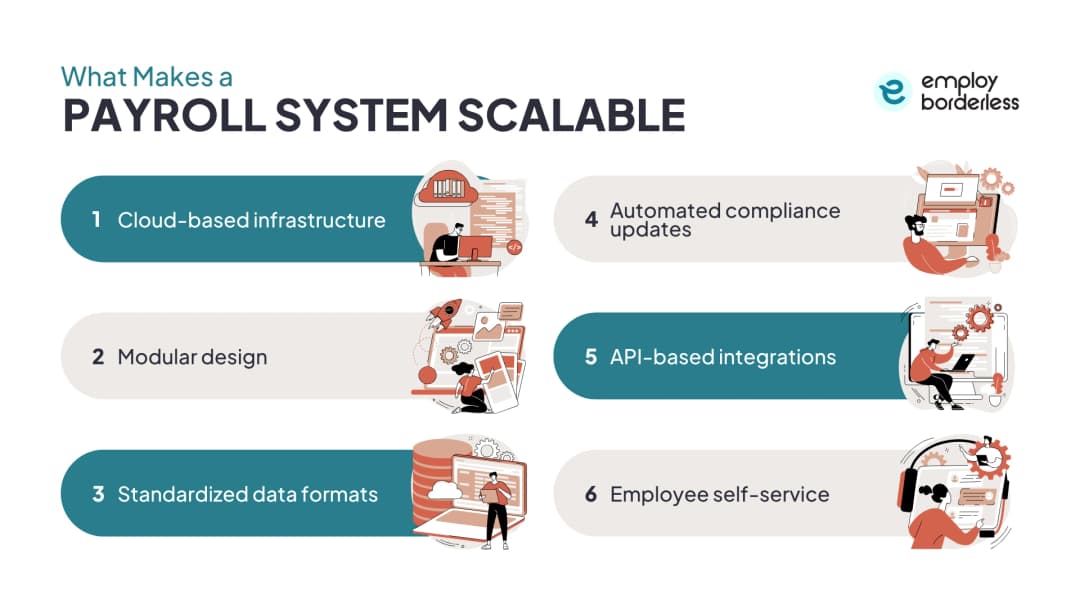
Cloud platforms add computing resources automatically as transaction volume rises. There is no hardware to upgrade or capacity to plan for. The same setup that handles 500 employees handles 5,000 without a drop in performance, unlike on-premise systems, which need hardware purchased and configured before capacity can increase.
Modular design
Adding a new country should mean activating a module, not rewriting the system. Adding a pay type should mean configuring a component, not custom development. Modules still need to share one data structure for reporting and compliance to work across the whole system; modular does not mean disconnected.
Standardized data formats
When every country submits payroll data in the same format, adding country 15 is no harder than adding country 5. Without a shared format, each new country needs its own translation layer between local data and the global system, adding cost and manual, error-prone steps.
Automated compliance updates
Tax rates, statutory deductions, and filing rules change constantly in every jurisdiction. A system that applies updates automatically avoids the trap where manual tracking effort grows in line with the number of countries, and missed updates turn into compliance exposure.
API-based integrations
APIs connect payroll to HR platforms, time tracking, benefits administration, accounting software, and ERP systems so data moves automatically instead of being re-entered by hand. ADP's research found IT teams spend an average of 25 hours per week managing data flows between payroll and other business systems; APIs cut that load.
Employee self-service
Self-service portals let employees view payslips, update personal details, change tax elections, and check benefits without emailing the payroll team. At 100 employees the team can handle requests individually; at 1,000, self-service is the only way to manage the volume without growing the team at the same rate.
Building a Payroll System That Grows With the Business
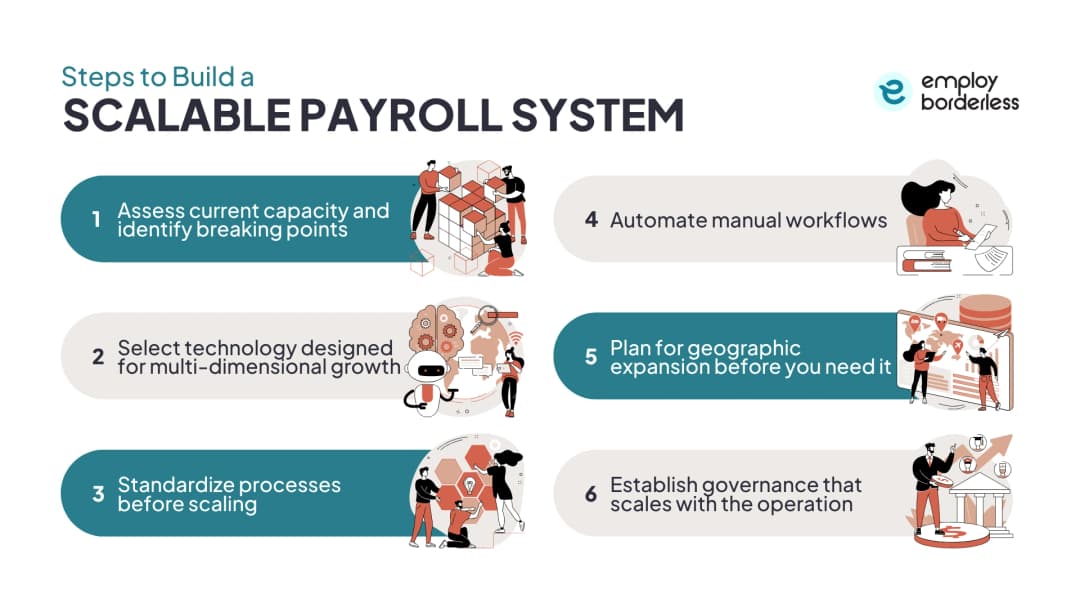
- Assess current capacity and breaking points. Run scenarios: what happens if headcount doubles in 12 months, if three new countries are added, or if pay frequency changes in certain markets? The answers show which of the five dimensions needs attention first.
- Select technology built for growth on every dimension, not just headcount. Key criteria: multi-country coverage, configurable compliance engines, depth of API connections, consolidated reporting, and pricing that stays predictable at higher volumes. Per-employee pricing rises linearly with headcount; platform-based pricing can offer better economics at higher volume but costs more to start.
- Standardize processes first. Growing non-standard processes just creates bigger versions of the same problems. If each country collects data differently, five more countries means five more formats to manage. Standardize data formats, approval workflows, and reporting structures, then grow.
- Automate manual workflows. Data collection, validation, calculations, approvals, payment processing, and reporting are all candidates. ADP's 2024 Global Payroll Report shows 60% of organizations have automated data collection and 54% have automated reconciliation, with a significant share still working toward those goals. Automation stops the error rate from rising with headcount.
- Plan geographic expansion before you need it. Choose platforms and providers that add countries without a separate project for each one, and pre-negotiate provider agreements for likely markets. Scrambling to set up payroll after a hire is already confirmed creates compliance risk and delays start dates.
- Build governance that grows with the operation. Structures that work for five countries may not hold at twenty. Use tiered governance: global standards owned centrally, regional oversight for country clusters, local execution within that frame. Without it, every new country drifts into its own variation.
Scaling Payment Processing in Payroll Providers
Payroll providers face the same growth pressure on the payment side as they do on data and compliance: payment rails, workflows, and security checks have to add volume and corridors without a rebuild for each one.
How to grow faster payments in a payroll provider
Move from batch bank file uploads to API-triggered payment initiation. This lets a provider add pay cycles and employees without slowing settlement, because the payment step is triggered automatically rather than assembled and uploaded by hand each run.
How to grow open banking in a payroll provider
Open banking connects payroll platforms directly to employee bank accounts through secure APIs instead of manual bank file uploads, so a provider can add payment volume and geography without setting up a new banking relationship for every corridor.
How to grow payment automation in a payroll provider
Automating payment initiation, approval routing, and reconciliation removes the manual steps that turn into bottlenecks as transaction volume rises, using the same automation logic already applied to payroll data collection and compliance updates.
How to grow payment workflows in a payroll provider
Standardize approval, funding, and disbursement steps across every country so a new payment corridor reuses the existing workflow instead of a redesign, the same modular principle used for onboarding a new country into payroll itself.
How to grow real-time payments in a payroll provider
Real-time payment rails settle wages the same day instead of waiting on standard bank clearing cycles. Treating each rail as a module that can be added without rebuilding disbursement lets a provider bring on new markets faster.
How to grow secure payments in a payroll provider
Encryption, tokenized bank details, and automated fraud checks let payment volume increase without a matching rise in manual security review, the same pattern that lets automated compliance updates keep pace with regulatory tracking.
How to grow SEPA payments in a payroll provider
SEPA processing grows by using one standardized IBAN-based file format across every Euro-zone entity, so adding another European country reuses the existing payment rail instead of requiring a separate banking integration per market.
How Growth Capacity Affects Provider Selection
The provider's technology, country coverage, and pricing model determine whether the payroll operation can grow with the business, or force a platform change at each stage. Companies often outgrow their payroll provider within two to three years of rapid growth: the provider that worked for 50 employees in two countries may not support 300 employees across eight, forcing a migration exactly when the payroll team is already stretched thin.
Selecting a provider with room to grow from the start avoids that cycle. Evaluation criteria should include multi-country reach, predictable pricing at higher employee volumes, the depth of its API connections, and a track record with companies at the next growth stage. An independent advisory can help match providers to growth trajectories, not just current needs.
What is the difference between payroll growth capacity and payroll flexibility?
Growth capacity is the ability to handle more volume without a drop in performance. Flexibility is the ability to adapt to different requirements without rebuilding the system. Growth handles "more" (employees, countries, transactions); flexibility handles "different" (pay structures, compliance rules, workflows). Growing businesses need both.
Can small businesses benefit from a growth-ready payroll system?
Yes. Growth is easier to manage when the payroll system is built for it from the start. Companies that start this way avoid the cost and disruption of migrating platforms later, a process that itself takes weeks to months and carries compliance risk during the switch.
How does this work for companies expanding internationally?
Multi-country platforms add new jurisdictions without a separate implementation project for each one. The platform provides the global framework, data standards, reporting, and governance, while the local compliance layer gets configured per country. This makes adding country ten faster and cheaper than adding country one.
What compliance thresholds trigger new payroll requirements?
In the United States: ACA reporting applies at 50 full-time equivalent employees, FMLA obligations apply at 50 employees within a 75-mile radius, and EEO-1 reporting applies at 100 employees. Each threshold adds new data collection, calculation, and filing requirements. Internationally, each new country adds its own full set of compliance requirements.
Is cloud payroll always better for growth than on-premise payroll?
Generally yes. Cloud payroll systems adjust computing resources automatically as transaction volume rises, while on-premise systems need hardware upgrades and capacity planning first. The exception is highly regulated industries where data sovereignty rules limit which cloud environments can be used in certain jurisdictions.
How often should companies reassess whether payroll can handle growth?
At least once a year during budget planning, and immediately before any planned expansion event, including entering a new market, completing an acquisition, or growing headcount by more than 25%. Waiting until the system breaks is reactive; regular reassessment catches problems before they affect employee payments.

Co-founder, Employ Borderless
Robbin Schuchmann is the co-founder of Employ Borderless, an independent advisory platform for global employment. With years of experience analyzing EOR, PEO, and global payroll providers, he helps companies make informed decisions about international hiring.
Learning path · 10 articles
Payroll fundamentals
Master the fundamentals with our step-by-step guide.
Start the pathReady to hire globally?
Get a free, personalized recommendation for the best EOR provider based on your needs.
Get free recommendations